Running a solo business in 2026 is easier with AI tools that save time, reduce workload, and deliver professional results. This guide highlights the best AI tools tailored for solo entrepreneurs, covering content creation, automation, design, and more - all under $100/month. Here’s a quick look at the top picks:
These tools help solo entrepreneurs handle tasks like content creation, marketing, and project management efficiently, without needing a full team. Whether you need to write, design, automate, or manage, there’s an AI tool to fit your needs and budget.
Running a one-person business in 2026 means juggling operations, sales, and strategy while meeting the growing demand for professional content, consistent messaging, and quick responses. Many solo entrepreneurs find themselves stuck in repetitive tasks that don’t directly drive growth, leaving little room for strategic planning. To thrive, the right AI tools must offer these key features:
Effortless content creation without burnout. Your audience expects regular updates, but coming up with fresh ideas every day can be draining. The ideal AI tool should not only generate ideas but also write in your unique voice and deliver polished visuals that resonate with your brand.
Authentic messaging that reflects your voice. Generic, robotic-sounding AI can hurt your credibility. Entrepreneurs need tools that understand their tone, industry nuances, and platform-specific requirements, ensuring every post, caption, or email feels like it’s coming directly from them.
Quick and easy design solutions. Not every entrepreneur is a design pro, but everyone needs eye-catching visuals. For example, in November 2025, solo entrepreneurs could turn to Canva Magic Studio for help. By simply typing "Create an Instagram post for a 24-hour 20% off sale on our new product line", Magic Design generates a range of fully designed, on-brand options, making professional-level design accessible to anyone [2].
Automation for repetitive tasks. This isn’t about replacing creativity - it’s about freeing up time. Automating tasks like scheduling posts, organizing files, or handling basic customer inquiries can save hours, allowing you to focus on more impactful work.
Repurposing content to stretch its value. Time is precious, and creating content from scratch every time isn’t practical. For instance, a recorded webinar can be transformed into blog posts, social media updates, email campaigns, and video snippets, turning one effort into a week’s worth of material across multiple platforms.
Affordable tools that don’t compromise on quality. Solo entrepreneurs often work with tight budgets. The best AI tools deliver high-level results for less than $100 per month. Early adopters have already reported significant cost savings, increased productivity, and noticeable improvements in the quality of their work [1].
User-friendly interfaces for non-techies. The ideal AI tools simplify the process, taking you from an idea to published content in just minutes. This way, you can focus on what matters most - growing your business.
These features highlight why tools like Content Maker Studio are game-changers for solo entrepreneurs in 2026. The goal isn’t to replace your expertise - it’s to enhance it. By handling time-consuming tasks, AI allows you to focus on strategy, building relationships, and driving your business forward.
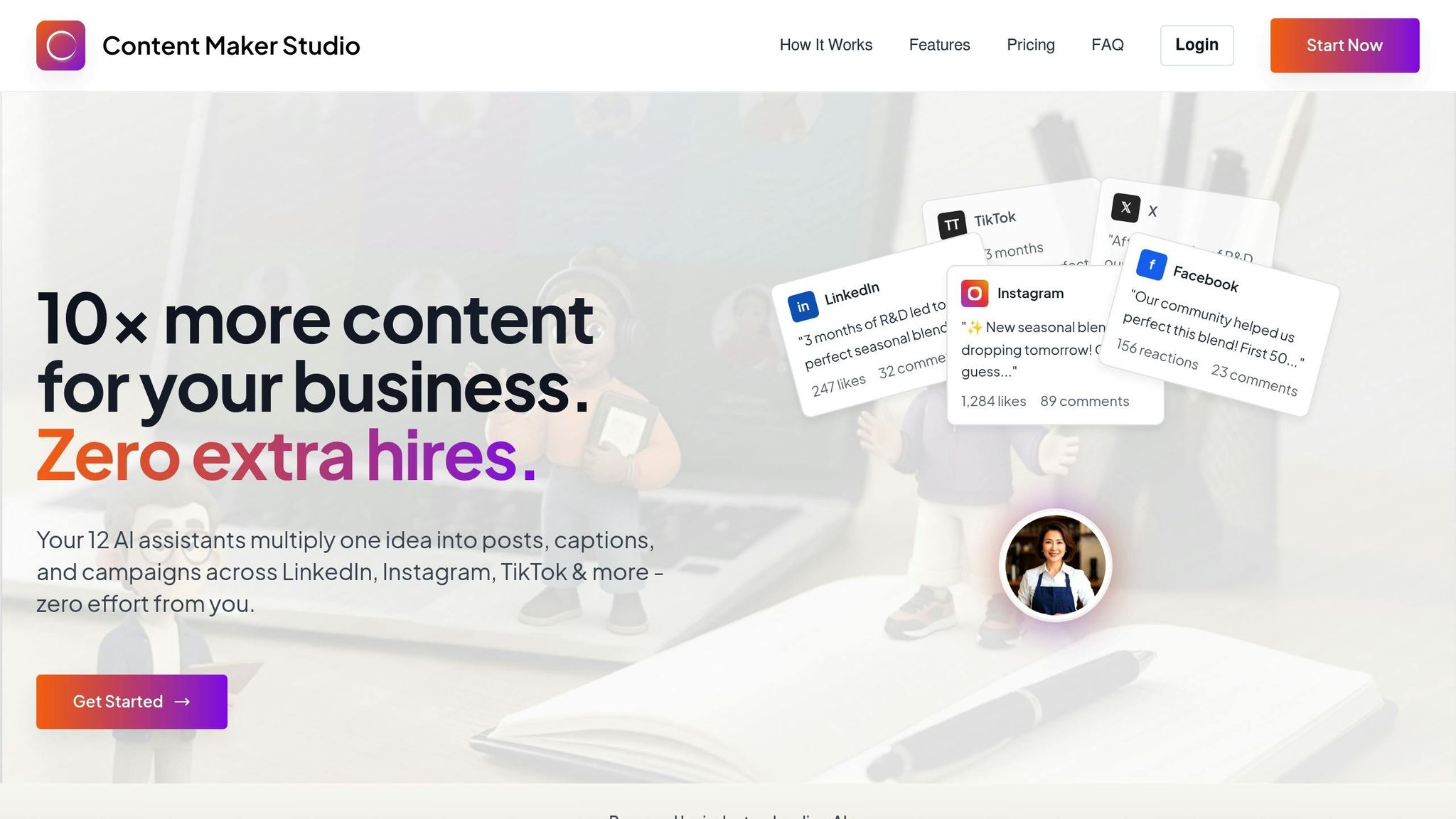
Content Maker Studio is an all-in-one AI-powered platform tailored for solo entrepreneurs. With 12 specialized AI assistants at your fingertips, it helps you establish a professional online presence - no marketing team required.
The platform’s 12 AI assistants are designed to handle every step of the content creation process. They adapt to your brand’s tone, ensuring your voice shines through on platforms like LinkedIn, Instagram, and TikTok. This consistency makes it easier to maintain a cohesive presence across all your channels.
CMS doesn’t just help with content creation - it streamlines the entire process. From planning and writing to design and performance tracking, everything is integrated into a single, user-friendly platform. You don’t need technical expertise to navigate its features, and the built-in design tools make it easy to create polished graphics and social media posts, even if you’re not a designer.
Content Maker Studio offers flexible plans that are perfect for solo entrepreneurs:
All plans provide full access to the 12 AI assistants, so you’ll have everything you need to keep your content consistent and professional, no matter which option you choose.
Canva Magic Studio brings advanced AI-powered design tools to solo entrepreneurs, making it easier than ever to create professional visuals without graphic design expertise. From marketing materials to social media posts and business documents, the platform simplifies content creation while ensuring your branding stays consistent.
Magic Write serves as your personal AI copywriter, crafting captions, headlines, and marketing copy tailored to your prompts and brand voice. This feature helps ensure your messaging stays on point and aligns with your goals [3].
Tools like Magic Resize and the integrated Brand Kit make it simple to adapt designs across various platforms. For instance, you can create a design for Instagram, and Magic Resize will instantly reformat it for LinkedIn, Facebook, or even presentation slides - no need to start over. These tools also perform consistency checks to keep your branding polished across all content.
Other AI-driven features, such as Background Remover and Magic Eraser, allow you to refine images and create professional-quality visuals without investing in expensive photo editing software. Additionally, AI-powered template suggestions offer design recommendations tailored to your industry and content type, speeding up the creative process.
Canva Magic Studio stands out for its simplicity and ease of use. The drag-and-drop interface is designed to be intuitive, so you can dive into creating professional designs without needing prior experience or hours of training [4][5]. The AI tools integrate seamlessly into the workflow, making the design process smoother and more efficient [3].
Most users, including solo entrepreneurs, can start producing high-quality graphics within minutes of signing up. Helpful AI suggestions guide you along the way, ensuring that even beginners can achieve polished results [3][5].
At just $15 per month for Canva Pro [3], the platform is a cost-effective solution for solo entrepreneurs. There’s also a free tier [5] that includes essential AI tools and design features, making it accessible to those with limited budgets.
For small businesses, Canva is often described as a "lifesaver" [5], offering professional design capabilities without the need for costly software subscriptions [4]. This pricing model allows solo entrepreneurs to access top-tier design tools while keeping expenses in check.
With its affordable pricing and powerful AI features, Canva Magic Studio is an excellent choice for solo entrepreneurs looking to create consistent, professional visuals without breaking the bank.

Notion AI turns your existing workspace into a content and productivity powerhouse, making it especially useful for solo entrepreneurs already familiar with Notion. Priced at $10 per month as an add-on [3], it integrates seamlessly into your workflows without causing disruptions.
Notion AI can transform simple bullet points into detailed reports and project plans [4]. This is a game-changer when you need to quickly convert meeting notes or brainstorming ideas into polished client proposals or marketing materials.
The content summarization feature [3][4] is another standout. It allows solo entrepreneurs to quickly process lengthy documents, research, or client feedback, pulling out the key takeaways and actionable insights in minutes. Plus, Notion AI offers writing assistance [3], helping you refine your messaging and maintain consistency across different types of content.
For document creation, the platform shines with its intelligent document generation [4]. It can structure everything from project briefs to standard operating procedures, making it a valuable tool for consultants and service providers who frequently produce professional documentation.
Notion AI doesn’t just help with content - it also enhances your daily workflows. Its automated meeting note generation [4] captures the main discussion points and extracts action items from recordings [4], saving you from the hassle of manual transcription and ensuring nothing important gets overlooked.
"The writing assistance is solid, but the real value comes from AI-powered database queries, content summarization, and automated workflow suggestions." - Laura Wade [3]
The platform’s AI-powered database queries [3] let you locate information across your workspace in seconds, eliminating the need to sift through multiple pages or databases. It also offers automatic workflow optimization [3], identifying bottlenecks and streamlining your processes for better efficiency.
Notion AI integrates with popular business tools, enabling unified workflows and improved collaboration across your entire tech stack [4]. This ensures that your AI assistant works seamlessly, not just within Notion but across your other essential tools as well.
One of the biggest advantages of Notion AI is how effortlessly it integrates with existing Notion workspaces. It feels like a natural part of your productivity system [3], so there’s no steep learning curve for current users. The interface and functionality align perfectly with familiar workflows, making adoption straightforward.
By embedding AI assistance directly into your daily tasks, the platform helps you streamline business operations [4]. Whether you’re updating project databases, drafting content, or managing client details, the AI tools appear exactly when and where you need them.
For solo entrepreneurs already using Notion, this AI add-on is a no-brainer [3]. It enhances your current setup without disrupting the organizational systems you’ve worked hard to build.

Descript is a game-changer for solo entrepreneurs, simplifying video and audio editing to feel as effortless as editing a text document. Forget about struggling with complicated timeline editors - Descript lets you edit your recordings by tweaking the transcript instead [2]. This approach eliminates the technical hurdles that often deter solo creators from producing professional-quality content.
With its text-based editing system, Descript completely changes how solo entrepreneurs handle recorded content. Tasks like repurposing webinar recordings, client calls, or brainstorming sessions become straightforward and efficient.
The platform doesn’t stop at editing - it also improves audio quality and simplifies post-production. Features like Studio Sound clean up your audio by removing background noise and improving clarity. Whether you're recording at home or in a bustling co-working space, this ensures your content sounds polished without requiring expensive gear or perfect acoustics.
Another standout tool is the filler word removal feature, which automatically detects and removes verbal crutches like "um" and "ah." This not only saves editing time but also ensures your final product sounds professional and polished.
Descript’s automatic transcription feature is a major time-saver. It eliminates the need for manually creating captions or show notes, freeing up hours each week for other tasks.
Descript’s intuitive design doesn’t just make editing faster - it simplifies the entire production process. The platform lowers the technical barriers to creating professional-quality video and audio content. Even without prior editing experience, solo entrepreneurs can produce polished materials that look and sound like they came from a pro studio.
Whether you’re creating podcasts, marketing videos, or tutorials, Descript empowers you to deliver your message clearly and confidently. By removing the need to hire editors or learn complex software, it lets you focus on what really matters - connecting with your audience.

OpusClip is designed to transform lengthy recordings into bite-sized clips, perfect for platforms like TikTok, YouTube Shorts, and Instagram Reels. Instead of spending hours manually editing, this AI-powered tool identifies standout moments from your webinars, podcasts, or client calls and delivers polished, ready-to-share videos.
Here’s how OpusClip can simplify your video marketing efforts.
OpusClip excels at pulling meaningful snippets from long-form videos. Its AI scans your content, identifies key moments, adds captions, reframes footage, and even incorporates B-roll visuals. For example, a single hour-long webinar can be transformed into several short clips, each showcasing different insights for your audience.
"Opus Clip might be the AI assistant you're looking for. This tool takes your long videos, like webinars or podcast episodes, and automatically creates shorter, engaging clips perfect for platforms like TikTok, YouTube Shorts, and Instagram Reels." – toksta.com
One standout feature is its ability to generate B-roll automatically, which is a game changer for solo entrepreneurs who lack design resources. However, users have noted that the quality of the B-roll can vary at times.
This tool handles the technical heavy lifting - from pinpointing engaging moments to adding captions and optimizing clips for different social media formats. The result? A streamlined editing process that saves creators significant time.
"It's a real time saver for content creators, marketing teams, or anyone looking to expand their reach without spending hours in editing software." – toksta.com
OpusClip also provides performance insights, helping you identify which clips resonate most with your audience for future planning.
OpusClip is designed with simplicity in mind, making professional video editing accessible even for those without technical expertise. Solo entrepreneurs can upload their long-form videos and quickly receive multiple short clips, ready to share. Features like customizable captions and a straightforward process make it a favorite among users. That said, there are some limitations, such as the need for rendering before making additional edits and occasional issues with XML exports when using external tools.
"Opus Clip is a powerful tool for quickly boosting your social media presence, especially if you have a library of long form content waiting to be repurposed." – toksta.com
For anyone looking to save time while maintaining quality, OpusClip offers a practical solution to repurpose content efficiently.
Zapier simplifies your daily tasks by connecting different apps and automating repetitive processes. Instead of spending time manually moving data between platforms, Zapier steps in to handle it for you. It works by setting up triggers - specific events that prompt an action - and then carrying out those actions automatically.
For instance, imagine a new lead comes in through your website's contact form. Zapier can instantly update your customer database or create a new task in your project management tool. This means less time spent on administrative work and more time available to focus on growing your business.
What makes Zapier even more appealing is its user-friendly interface. You don’t need to know how to code - just choose a trigger, define the action, and connect your apps. Zapier also offers a variety of pricing plans, making it suitable for everyone from small startups to larger businesses with complex automation needs. You can start with a basic plan and scale up as your automation requirements grow.
When it comes to capturing leads, having a reliable and efficient way to manage forms is essential - especially for solo entrepreneurs. That’s where tools like Tally AI and Typeform AI come into play. These platforms simplify the process of creating forms, making it easier to gather prospect information without unnecessary hassle.
Both Tally AI and Typeform AI are designed with simplicity in mind. Their interfaces are intuitive and user-friendly, meaning you don’t need to be a tech wizard to create professional forms. Typeform AI, in particular, takes a conversational approach, helping you craft interactive forms that encourage people to complete them. This way, you can spend less time fiddling with settings and more time connecting with your audience.
One standout feature of these tools is their ability to handle responses automatically. Instead of manually sorting through submissions, you can rely on these platforms to organize and manage the data for you. This allows you to focus on what really matters - following up with potential leads and building relationships.
For entrepreneurs watching their expenses, both Tally AI and Typeform AI offer free plans and affordable upgrades. These cost-effective solutions provide everything you need to streamline your lead capture process without breaking the bank. By combining ease of use, automation, and affordability, these tools offer a smart way to manage one of the most important aspects of any growing business.

For solo entrepreneurs, staying on top of every task is essential. Juggling client projects, content planning, and daily responsibilities can quickly become overwhelming. That’s where AI-powered project management tools like Trello AI and ClickUp AI come in. These tools can simplify your workflow and integrate seamlessly into an AI-driven business approach.
Trello's Butler feature takes automation to the next level. By learning how you use the platform, it suggests one-click automations to save time. You can set up rules, buttons, and commands in plain language - no coding required. For example, forwarding emails to your Trello Inbox allows Butler to automatically create summaries and actionable to-dos, turning messy email threads into clear project steps [6].
ClickUp also excels in automation with its AI-powered tools. ClickUp Brain acts like a virtual assistant, creating tasks from natural language inputs and suggesting smart workflows. Meanwhile, AI Agents handle more complex processes, such as escalating blockers, assigning tasks, or sending updates based on real-time triggers [8].
ClickUp simplifies scaling operations. It enables teams to set up intelligent workflows, automate meeting summaries, and manage client updates - all from one platform. It’s like adding a virtual team member without the extra cost. [10]
Trello’s visual Kanban boards make managing tasks straightforward. Moving tasks from "To Do" to "In Progress" to "Done" is as simple as dragging and dropping. Its intuitive design is perfect for solo entrepreneurs looking to get organized quickly without a steep learning curve [9].
On the other hand, ClickUp offers extensive customization options. While this means a bit more setup time, the platform’s ability to handle everything from simple task lists to intricate workflows becomes a major advantage once you’re familiar with it [9].
"I'm a visual person, so I love Kanban project management. Trello is perfect for this kind of visual layout, and they even offer a free Kanban template to get started. I also appreciate how simple it is to use and how much easier it makes collaboration." [10]
Both Trello and ClickUp offer free plans that are ideal for solo entrepreneurs just starting out. Trello’s free plan includes unlimited cards, up to 10 boards per workspace, and basic Butler automation with 250 automated command runs per month [7].
ClickUp’s Free Forever plan provides unlimited tasks, custom views, collaborative docs, and 100 MB of storage [11]. For those ready to upgrade, ClickUp’s Unlimited plan is priced at $7 per user per month (billed annually), while Trello’s Standard plan costs $5 per user per month [9].
For AI features, ClickUp offers an add-on for $7 per user per month on paid plans. Trello, meanwhile, includes Butler automation in its plans but with varying limits depending on the tier [11]. Even with these add-ons, both platforms remain affordable, staying under $20 per month for robust project management solutions.

If you're a solo entrepreneur relying heavily on video communication, Loom AI is a game-changer. It simplifies the process of creating, managing, and reusing video content, whether you're recording client updates, product demos, or training materials. With its AI-powered features, Loom helps you work more efficiently, saving hours every week while enhancing the quality of your communication.
Loom AI takes care of the time-consuming aspects of video communication, so you can focus on what matters. It automatically generates transcripts for every recording, making your videos searchable and easier to navigate. Instead of scrubbing through hours of footage, you can simply search for keywords to find specific moments.
The AI summary feature condenses lengthy recordings into concise overviews, perfect for clients or team members who need the highlights without watching the entire video. These summaries even include timestamps, allowing viewers to jump straight to the sections that matter most.
Sharing your videos is seamless with Loom. It automates the process by creating custom thumbnails, branded video players, and sending notifications when someone views your content. Plus, it integrates effortlessly with tools like Slack, Gmail, and Notion, so you can embed videos directly into your workflow without juggling multiple platforms. Beyond automation, Loom makes it simple to turn your video content into various formats for broader use.
Loom isn't just about recording videos - it helps you make the most of your content. Its AI tools allow you to repurpose your videos into other formats like blog posts, email updates, or even social media captions by editing the automatically generated transcripts. A single client update video can quickly become multiple pieces of content, saving you time and effort.
Its screen and camera recording features are perfect for creating tutorials, product walkthroughs, or personalized client updates. Many solo entrepreneurs use Loom to record once and share with multiple clients, eliminating the need for repetitive explanations.
Loom also includes straightforward video editing tools. You can trim clips, add call-to-action buttons, and customize branding - all without needing advanced software. The transcription-based editing feature lets you cut sections of your video by selecting text, making the process faster and more intuitive than traditional timeline editing.
Loom is designed with simplicity in mind. Recording starts with just one click, and the browser extension means you can capture your screen from anywhere without opening extra software. The interface is clean and intuitive, requiring no technical expertise, which is ideal for busy entrepreneurs who need professional results quickly.
Its instant sharing feature generates a shareable link as soon as you finish recording. You’ll also get view analytics, so you know exactly when someone has watched your content. This kind of immediate feedback helps you track engagement and follow up effectively.
Setup is quick and straightforward, taking just minutes. Most users create their first video within their initial session, making Loom a practical tool for entrepreneurs who need fast, impactful results.
Loom offers options that fit various budgets, starting with a free plan. This includes up to 25 videos with a 5-minute limit per recording, along with basic sharing features - an excellent starting point for solo entrepreneurs testing the waters with video communication.
For $8 per user per month (billed annually), the Business plan removes video limits, adds custom branding, advanced privacy settings, and priority support. At under $100 per year, it’s a cost-effective solution for entrepreneurs seeking professional-grade tools.
For those requiring advanced analytics and admin controls, the Enterprise plan starts at $12 per user per month. However, most solo entrepreneurs find the Business plan more than sufficient for their needs, offering a balance of features and affordability.
Adobe Express AI is a powerful design tool tailored for solo entrepreneurs looking to enhance their visual content effortlessly. While the specifics of its features and pricing for 2026 are yet to be announced, you can always check Adobe's official website for the most current details. Up next, we’ll dive into another tool crafted for creating dynamic content.
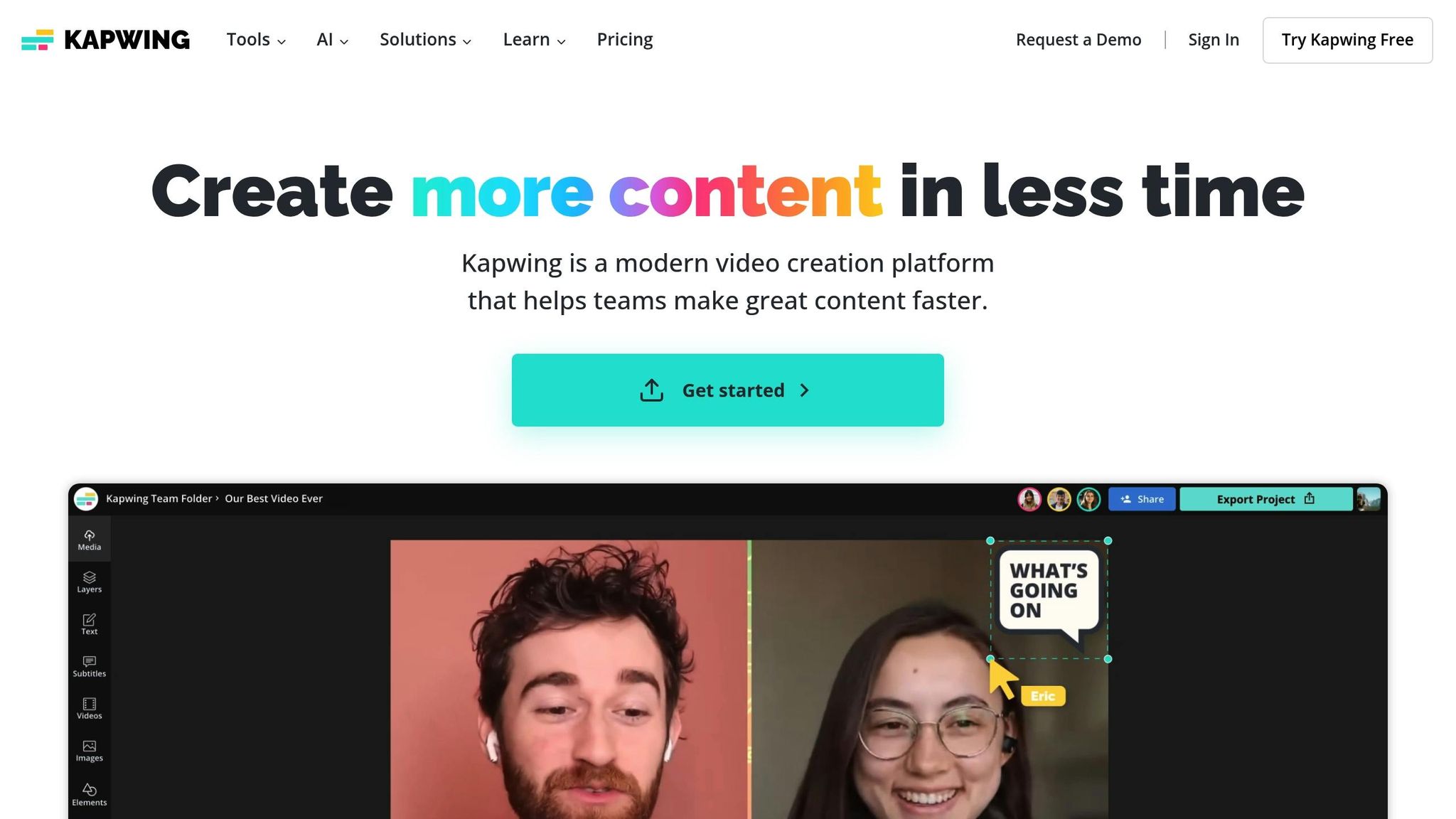
Kapwing AI is a browser-based video editing platform designed with solo entrepreneurs in mind. It simplifies the video creation process, making it approachable even for beginners. Whether you're crafting content for social media or repurposing existing material, Kapwing offers tools that save time and effort while delivering polished results.
Kapwing AI truly shines when it comes to turning long-form content into bite-sized social media clips. Its Smart Cut feature automatically removes silences and filler words, transforming a 30-minute presentation into a concise, attention-grabbing 5-minute video.
The platform also includes an AI-powered subtitle generator that supports over 70 languages, helping you make your content accessible to a global audience. For entrepreneurs looking to connect with diverse markets, this feature can be a game-changer. Additionally, Kapwing's automatic scene detection pinpoints the standout moments in your footage, suggesting the best cut points to streamline your editing process.
Another standout feature is its social media template library. With these templates, you can effortlessly adapt a single piece of content for multiple platforms, saving time while maintaining a consistent and professional look.
Kapwing’s browser-based setup means you can access your projects from anywhere, on any device. This flexibility is a huge plus for entrepreneurs who are constantly on the move.
The drag-and-drop interface makes editing straightforward. You can add text, images, and effects without needing to memorize shortcuts or navigate through complicated menus. Plus, the built-in AI assistant offers suggestions and automates tedious tasks, cutting down the time you spend on editing.
For those collaborating with others, Kapwing makes sharing easy. Projects can be shared via simple links, allowing team members or clients to review and comment without requiring their own accounts. This feature ensures smoother feedback and faster revisions.
Kapwing offers a free tier that’s perfect for testing the waters. It includes basic editing tools and allows video exports with a small watermark. For those ready to take their content to the next level, the Pro plan starts at $24/month (billed annually). This paid option includes unlimited exports, 4K resolution, and access to premium templates and stock media.
For budget-conscious entrepreneurs, the free version is more than capable of producing professional-looking content. As your video production needs grow, upgrading to the Pro tier unlocks additional features like watermark-free exports and higher resolution, ideal for client work or professional branding.
Kapwing’s AI tools are designed to save time on repetitive tasks. For example, the auto-resize feature instantly adjusts your videos to fit various social media dimensions, and the background removal tool eliminates the need for green screens or complex editing techniques.
The batch processing feature is another time-saver, allowing you to apply the same edits to multiple videos simultaneously. This is especially useful for entrepreneurs creating content series or maintaining consistent branding. Additionally, Kapwing integrates with cloud storage services, ensuring your projects are automatically synced across devices and always within reach.
Jasper AI takes content automation to the next level, making it easier for solo entrepreneurs to produce and manage content effortlessly. Powered by GPT-4, Jasper AI creates high-quality, brand-consistent content across various formats. Whether it’s blog posts, social media captions, email campaigns, or product descriptions, Jasper AI helps entrepreneurs streamline content creation and reuse, saving time while maintaining a professional touch.
Here's a detailed comparison of some of the top AI tools for solo entrepreneurs in 2026, showcasing their ideal use cases, standout features, pricing, and who they’re best suited for:
| Tool | Best For | Key Strengths | Main Weaknesses | Pricing | Ideal User |
|---|---|---|---|---|---|
| Content Maker Studio | Complete marketing workflow | 12 AI assistants, brand consistency, content repurposing, all-in-one system | Relatively new platform | $38.80/month | Solo entrepreneurs, coaches, consultants |
| Canva Magic Studio | Quick visual design | Drag-and-drop ease; large library of templates | Limited automation and AI writing tools | $14.99/month | Visual creators, social media managers |
| Notion AI | Organization & note-taking | Turns notes into content; integrates with databases | Not designed for marketing workflows | $10/month | Consultants, knowledge workers |
| Descript | Video and audio editing | Advanced transcription, overdub features, collaborative editing | No dedicated design or copywriting tools | $12/month | Podcasters, video creators |
| OpusClip | Short-form video creation | Smart video clipping and moment detection | Focused only on video, no text support | $9.50/month | TikTok and Instagram Reels creators |
| Zapier | Workflow automation | Connects 5,000+ apps; powerful automation triggers | Costs can rise with complex workflows | $19.99/month | Entrepreneurs who value streamlined processes |
| Tally AI & Typeform AI | Form creation & lead generation | Easy-to-use forms; engaging survey interfaces; advanced logic | Limited branding customization | Tally: Free–$29/month; Typeform: $25/month | Businesses focused on capturing leads |
| Trello AI & ClickUp AI | Project management | Visual Kanban boards; thorough task management tools | May lack creator-focused features; steeper learning curve | Trello: $5/month; ClickUp: $7/month | Project managers, detail-oriented organizers |
| Loom AI | Video messaging & communication | AI-generated summaries; simple screen recording | Not built for large-scale content creation | $8/month | Client communication, team updates |
| Adobe Express AI | Professional design templates | High-quality templates; integrated brand kit | Can feel complex for beginners | $9.99/month | Entrepreneurs with an eye for design |
| Kapwing AI | Video editing and meme creation | Collaborative editing; trending templates | Missing some advanced editing capabilities | $16/month | Social media content creators |
| Jasper AI | Long-form content writing | Quick blog creation; brand voice adaptability | Higher cost for solo entrepreneurs | $39/month | Businesses producing frequent content |
Why Content Maker Studio Stands Out:
Content Maker Studio combines content planning, writing, design, and scheduling into one streamlined platform. For solo entrepreneurs, who often juggle multiple tools to manage their online presence, this all-in-one system simplifies the process and saves time. It’s estimated to cut down over 10 hours of work each week, making it a practical choice for those looking to maintain a professional and efficient workflow.
Picking the right AI tool as a solo entrepreneur might feel daunting, but the secret lies in focusing on tools that deliver results while keeping things simple.
Ease of use should be a top priority. As a solo entrepreneur, your time is precious. You need tools that are intuitive right out of the box, with minimal setup and no need for coding or advanced design skills. The best platforms make it easy to get started and stay productive.
Consistency in your brand voice is non-negotiable. Your audience should instantly recognize your unique tone across all content - whether it’s a LinkedIn post, an Instagram caption, or an email newsletter. Choose a tool that adapts to your specific style, terminology, and messaging. Avoid tools that churn out generic content, as this can dilute your credibility.
Look for content repurposing features to stretch your efforts further. The right AI tool can take one piece of content - like a webinar, client call, or even a voice note - and transform it into multiple formats. This not only saves time but also ensures you’re maximizing the value of every idea.
Professional visuals are a must. Whether it’s carousels, graphics, or videos, poorly designed visuals can make your business look unpolished. The AI tool you choose should help you produce high-quality visuals effortlessly, ensuring you leave a strong impression on potential clients.
Scalability is crucial as your business grows. Choose a tool that can handle increased content volume and more advanced workflows without forcing you to switch platforms later. Rebuilding your content system because of a tool’s limitations is a headache you don’t need.
Affordable pricing - ideally under $100 per month - keeps costs in check. Many tools start out budget-friendly but become expensive as you need more features or higher usage limits. Opt for transparent pricing to avoid hidden fees or constant upgrades.
All-in-one workflow integration is another game-changer. The most efficient tools combine content planning, creation, design, and scheduling into a single platform. This reduces complexity and ensures all your tasks work seamlessly together, saving you time and effort.
Take Content Maker Studio as an example. It ticks all these boxes by combining content planning, creation, and scheduling into one streamlined platform. With 12 AI assistants, it handles everything from brainstorming to publishing while keeping your brand voice consistent across all channels. At $38.80 per month, it replaces the need for multiple tools or freelancers. Plus, it learns your style, repurposes content automatically, and creates polished visuals without requiring design expertise.
A good AI tool should save you at least 10 hours a week. That’s time you can reinvest in growing your business, working with clients, or simply taking a well-deserved break. If a tool doesn’t deliver noticeable time savings within the first month, it’s not worth your investment.
Finally, think about your specific business needs. Content creators might prioritize visual tools, while consultants could value writing and repurposing features more. Service providers often benefit from platforms that handle their entire marketing workflow in one place, eliminating the need for multiple subscriptions or technical know-how.
These criteria will help you evaluate the AI tools discussed in the upcoming sections.
The tools highlighted here address the unique challenges faced by solo entrepreneurs, from simplifying content creation to boosting lead generation. Here’s a closer look at how these top AI tools excel in their respective categories, helping you choose the right fit for your needs.
Best All-Around Tool: Content Maker Studio
Content Maker Studio stands out as a versatile solution, offering features like content planning, repurposing, and more - all at a budget-friendly $38.80 per month. With 12 specialized AI assistants that handle everything from design to scheduling, it eliminates the need for multiple tools and subscriptions, making it a one-stop shop for entrepreneurs.
Best for Visual Content Creation: Canva Magic Studio
When it comes to crafting stunning visuals, Canva Magic Studio takes the lead. It’s perfect for creating social media graphics, carousels, and Instagram posts, thanks to its AI-powered design suggestions and an extensive library of templates. While it excels in visual design, its writing features are more limited, so it’s best paired with other tools for copy needs.
Best for Video Content Repurposing: OpusClip
OpusClip is a game-changer for transforming long videos into short, engaging clips tailored for platforms like TikTok, Instagram Reels, and YouTube Shorts. The AI pinpoints the most engaging moments and creates multiple clips automatically, making it ideal for entrepreneurs like coaches or consultants who frequently record webinars or client sessions.
Best for Writing and Copywriting: Jasper AI
If you need polished, professional writing in various formats, Jasper AI delivers. From blog posts to email campaigns, it adapts to different industries and styles, making it a solid choice for solo entrepreneurs who want high-quality copy without spending hours writing or hiring external help.
Best for Workflow Automation: Zapier
Zapier simplifies your day by connecting over 5,000 apps and automating repetitive tasks. Whether it’s adding leads to your CRM or posting content across platforms, Zapier streamlines processes. However, it does require some technical setup, and costs can rise with more complex workflows.
Best for Team Collaboration: Notion AI
Notion AI is a great fit for solo entrepreneurs who frequently work with clients or contractors. Its organizational tools, combined with AI writing assistance, make it easy to share ideas, gather feedback, and stay aligned on projects.
Best for Video Communication: Loom AI
Loom AI enhances client communication by summarizing key points from recorded video messages. Whether you’re providing project updates, explaining concepts, or sending personalized outreach, this tool ensures your recipients quickly grasp the essentials.
Best for Lead Generation: Tally AI and Typeform AI
Both Tally AI and Typeform AI excel at creating smart forms and surveys to capture leads. Typeform AI offers advanced branching logic and sleek design options, while Tally AI is a more cost-effective choice for straightforward lead capture, making it especially useful for service-based entrepreneurs.
Best for Project Management: ClickUp AI
ClickUp AI helps keep your projects on track by generating task descriptions, project summaries, and progress updates automatically. While it’s not a content creation tool, it’s invaluable for solo entrepreneurs juggling multiple clients or projects.
Starting with a versatile tool like Content Maker Studio is a smart move for most solo entrepreneurs. From there, you can add specialized tools as your needs evolve, ensuring you avoid tool overload while covering all the essentials.
The world of solo entrepreneurship in 2026 looks vastly different than it did just a few years ago. Tasks that once demanded an entire team of specialists can now be handled by a single entrepreneur, thanks to the rise of AI-powered tools designed specifically for solo business owners.
With these tools, solo entrepreneurs can maintain high-quality output and consistency without spreading themselves too thin across multiple platforms. This shift highlights how AI is reshaping the way solo founders operate, making efficiency a cornerstone of their success.
Each tool has its strengths - whether it's Canva Magic Studio for creating graphics, OpusClip for repurposing video content, or Zapier for automating workflows. However, constantly jumping between platforms can disrupt productivity. That’s where Content Maker Studio steps in, combining 12 AI assistants into a single platform. It handles everything from content planning and writing to design and scheduling, offering a seamless experience for managing marketing tasks.
The key to thriving as a solo entrepreneur lies in reducing workflow friction. Instead of mastering countless tools, successful entrepreneurs opt for platforms that let them focus on what matters most - building their business and serving their clients. Whether you’re a coach, consultant, or service provider, the right AI tools can help you stay visible, maintain authority, and run your operations as effectively as a full-scale marketing team.
As we've explored, the future belongs to solo entrepreneurs who embrace AI to streamline their processes, stay authentic, and dedicate their energy to the work only they can do.
Solo entrepreneurs should prioritize tools that are simple to use (no tech expertise needed), maintain a consistent brand voice, and allow for repurposing content across different platforms. Seek out tools that deliver high-quality visuals, can grow alongside your business, and fit within a budget - ideally costing less than $100 per month.
The best tools will integrate planning, writing, and design into a seamless, all-in-one workflow that saves you time and reduces effort. Focus on solutions that help you stay consistent, handle repetitive tasks automatically, and give your business a polished, professional appearance - without requiring a full team.
AI tools like Content Maker Studio (CMS) are a game-changer for solo entrepreneurs, offering a quicker and more streamlined approach to content creation and management compared to older, more traditional methods. By integrating key functions - like planning, writing, designing, and scheduling - into one seamless platform, CMS eliminates the hassle of juggling multiple tools or outsourcing tasks to freelancers.
With CMS, you can transform a single idea into a full week's worth of polished, on-brand content in just minutes. This can free up 10+ hours every week, allowing you to focus on growing your business. Plus, it empowers you to maintain a consistent online presence, draw in clients, and scale your efforts - all without needing advanced technical skills or a hefty budget.
AI tools help ensure your brand voice stays consistent by analyzing your current content to capture your tone, style, and messaging. Using this information, they create content that aligns with your brand’s identity, making sure it feels unified and polished across all platforms.
Many advanced tools let you create a brand voice profile or memory. This feature allows the AI to reliably mimic your specific tone - whether it’s formal, conversational, or playful. The result? Content that connects with your audience while staying true to your brand, no matter where it appears.