Creating high-quality social media content is more demanding than ever. By 2026, successful creators are posting 5–7 times weekly across platforms like Instagram, TikTok, LinkedIn, and Twitter. AI tools have become essential for saving time, maintaining consistency, and scaling content production. But with so many options, finding the right tool can feel overwhelming.
Here’s the short answer: Content Maker Studio (CMS) is the best all-in-one AI tool for creators, coaches, and small businesses. It combines writing, design, repurposing, and scheduling into one platform, saving hours and ensuring brand consistency. While other tools like Jasper AI, Canva, and Descript excel in specific areas, CMS stands out by handling the entire content workflow.
| Tool | Best For | Price | Key Features |
|---|---|---|---|
| Content Maker Studio (CMS) | All-in-one content creation | $38.80/month | Writing, design, repurposing, scheduling, Brand Brain |
| Jasper AI | Long-form copywriting | $49/month | Writing templates, brand voice training |
| Canva | Visual design | $15/month | Drag-and-drop design, template library |
| Descript | Video/audio editing | $12/month | Overdub, transcription, video editing |
| OpusClip | Short-form video creation | $19/month | Smart video clipping, auto-captions |
| Notion AI | Planning and documentation | $10/month | AI writing assistant, organization tools |
If you want an all-in-one solution, CMS is your best bet. For specialized needs, tools like Jasper or Canva may be worth considering. Let’s dive deeper into what each tool offers.
The social media landscape has become too demanding for traditional methods to keep up. Content creators and businesses are expected to produce more, faster, and with higher quality than ever before. This is where AI steps in, reshaping how content is created and managed.
Social media platforms now reward creators who post frequently and adapt to trends. For example, Instagram's algorithm favors accounts that use a mix of formats, while TikTok prioritizes those who post consistently. But it’s not just about pumping out more content - it has to be engaging and high-quality, even at scale.
Creators today juggle multiple formats and platforms: Instagram carousels, TikTok videos, LinkedIn articles, Twitter threads, and email newsletters. Each platform demands its own style and approach, making content creation a time-intensive and complex process. Repurposing content across platforms adds another layer of complexity, especially for solopreneurs and small businesses trying to compete with larger teams.
Maintaining a consistent brand voice is another challenge. Audiences can easily tell when content feels inconsistent or generic, which can dilute a brand’s identity. When creators rely solely on manual processes, the risk of mixed messaging increases, weakening their overall impact.
Traditional content creation is also incredibly time-consuming. From brainstorming ideas to writing, designing, editing, scheduling, and analyzing performance, the process can overwhelm creators who are already stretched thin managing other aspects of their businesses.
This is where AI comes in. Instead of replacing creativity, AI tools handle repetitive and time-intensive tasks, freeing creators to focus on strategy and original ideas. AI solutions now function like full content teams, managing everything from copywriting and design to scheduling and analytics. This levels the playing field, giving individual creators the tools to compete with larger organizations.
Speed and efficiency are now critical. Creators who can quickly adapt to trends, respond to real-time events, and maintain a steady posting schedule are seeing better engagement and growth. AI makes this possible by streamlining workflows and reducing the time spent on routine tasks.
In a competitive digital world, AI has become a game-changer. For creators aiming to meet the ever-growing demands of modern content creation, leveraging AI isn’t just a helpful tool for social media success in 2026 - it’s a necessity.
Picking the right AI tool for social media can feel like a daunting task. Each platform has its own strengths and weaknesses, catering to different needs and user types. To simplify things, here’s a breakdown of how some of the top tools measure up:
| Tool | Best For | Key Strengths | Main Weaknesses | Starting Price | Notable Features |
|---|---|---|---|---|---|
| Content Maker Studio (CMS) | All creators, coaches, SMBs | AI team of 12 assistants, brand voice memory, multi-format repurposing | Newer platform | $38.80/month | Brand Brain, Repurpose Studio, all-in-one workflow |
| Jasper AI | Long-form copywriting | Strong writing templates, brand voice training | Limited visual creation; higher cost for small creators | $49/month | Boss Mode, brand voice features |
| Canva Magic Studio | Visual design | Easy drag-and-drop design, massive template library | Weaker AI writing capabilities; limited automation | $15/month | Magic Design, Background Remover |
| Descript | Video and audio editing | Advanced video editing, overdub feature | Not designed for a full content workflow | $12/month | Overdub, automatic transcription |
| OpusClip | Short-form video creation | Smart video clipping, potential for viral clips | Lacks copywriting and design features | $19/month | AI curation, auto-captions |
| Notion AI | Documentation and planning | Great for long-form content and note organization | Not specifically for social media creators | $10/month | AI writing assistant, database integration |
This table gives a snapshot of each tool's specialty while also pointing out potential challenges. Many creators find themselves juggling multiple tools, leading to extra costs and fragmented workflows. That’s where Content Maker Studio (CMS) shines - it brings everything together into one cohesive system, functioning as a complete AI content team.
For creators managing multiple tools, monthly expenses can quickly climb past $100. CMS, on the other hand, offers a full range of features at a more budget-friendly price. This is especially important as 51% of digital marketers now use AI tools for optimization [1], highlighting the demand for integrated platforms that seamlessly handle text, design, and scheduling.
One major challenge across platforms is maintaining speed and consistency. Some tools excel at generating text but require manual effort for design, scheduling, or adapting content for different platforms. This has fueled the rise of multimodal AI solutions - tools that can handle text, visuals, and strategic planning in one streamlined workflow.
Each tool serves a specific audience. For instance, Notion AI is perfect for teams focused on documentation, while Descript is a go-to for video creators needing advanced editing tools. However, creators aiming for consistent, on-brand content across multiple social platforms often find themselves frustrated by the inefficiency of relying on several separate tools.
This contrast is key. Many users start with a tool because of one standout feature, only to realize they need additional platforms to complete their workflow. That’s where all-in-one solutions like CMS set themselves apart, making them an attractive option for creators looking to simplify and streamline their efforts.
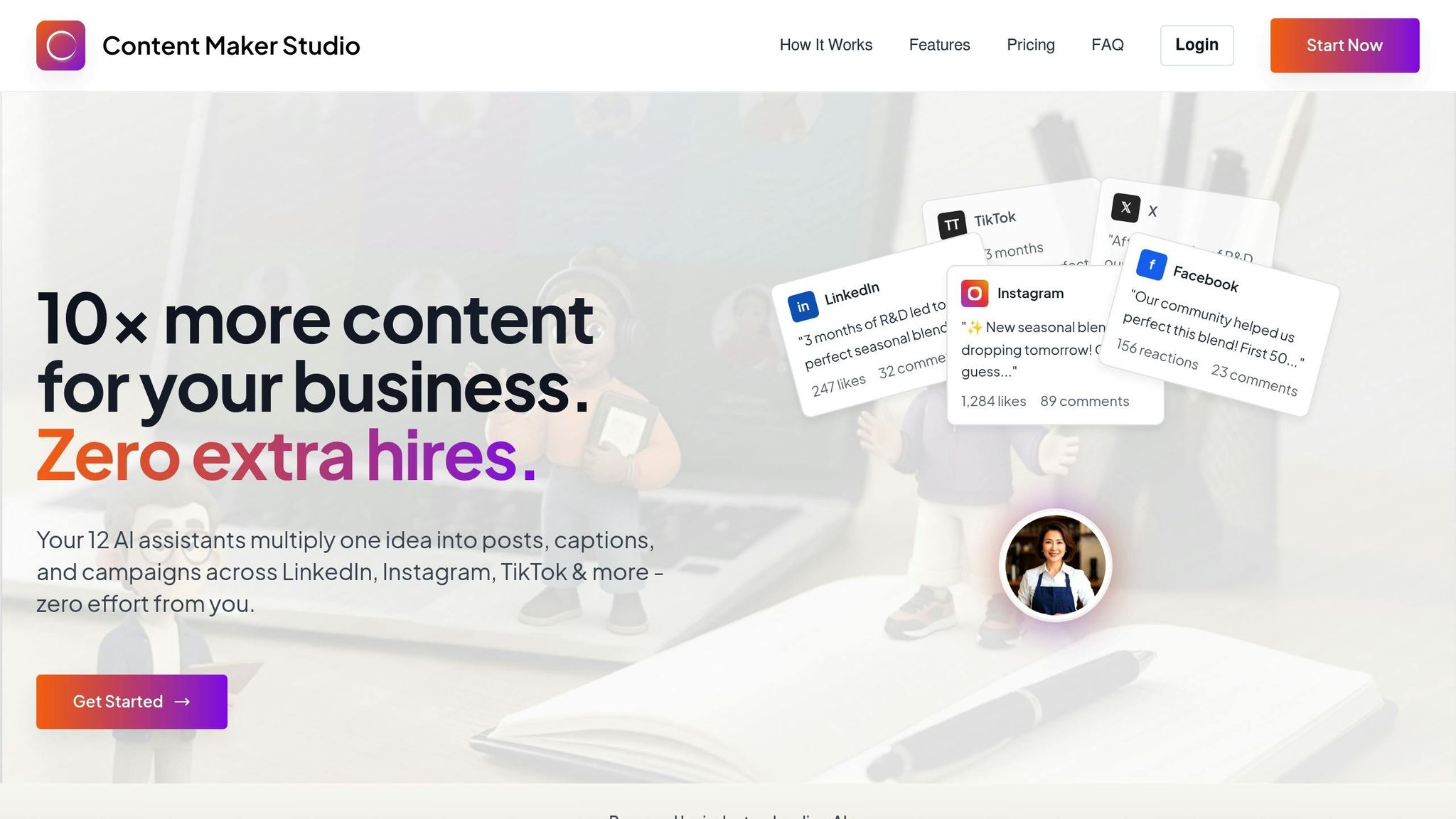
Content Maker Studio (CMS) is changing the game for social media creators with its AI-powered approach to content creation. Instead of relying on a single assistant, CMS brings together 12 specialized AI assistants, essentially functioning as an entire content team in one platform. From brainstorming and writing to design, optimization, and scheduling, CMS covers every step of the process.
One of the biggest challenges for creators is juggling multiple tools for different tasks. CMS eliminates this hassle by handling the entire workflow in one place - from the initial idea to the final post. This saves time, reduces stress, and ensures that your content stays consistent and polished, helping you build a strong and recognizable personal brand.
What truly sets CMS apart is its Brand Brain technology. This feature learns your unique style, tone, and preferences, ensuring that every piece of content reflects your brand’s personality. Unlike generic AI tools that deliver cookie-cutter results, CMS creates content that feels personal and on-brand.
These tools work in harmony to simplify and enhance the content creation process.
CMS brings everything - planning, design, writing, and scheduling - into one seamless platform. This means creators can move effortlessly from brainstorming to publishing without breaking their creative flow. Plus, the platform’s cross-channel optimization ensures that your content is fine-tuned for each social media platform’s unique quirks and audience preferences.
This all-in-one approach makes CMS an essential tool for today’s social media creators.
CMS offers flexible pricing options to meet the needs of all types of creators:
| Plan | Price | Best For | Key Benefits |
|---|---|---|---|
| Monthly Plan | $38.80/month | Creators testing the waters or posting less frequently | Full access to all 12 AI assistants and unlimited content creation |
| Quarterly Plan | $70.80/quarter | Regular content creators | A cost-effective option with notable savings compared to the monthly plan |
| 6-Month Plan | $99.00/6 months | Dedicated creators and small businesses | The best value for long-term content strategies and brand building |
Every plan includes unlimited content creation, access to all AI assistants, and seamless integration to scale your production efforts with ease.
If you're exploring alternatives to Content Maker Studio, you'll find several AI tools that cater to specific aspects of content creation. While each tool shines in its own way, they often require pairing with others to create a complete workflow. Here's a closer look at some of the top options for social media content creation.
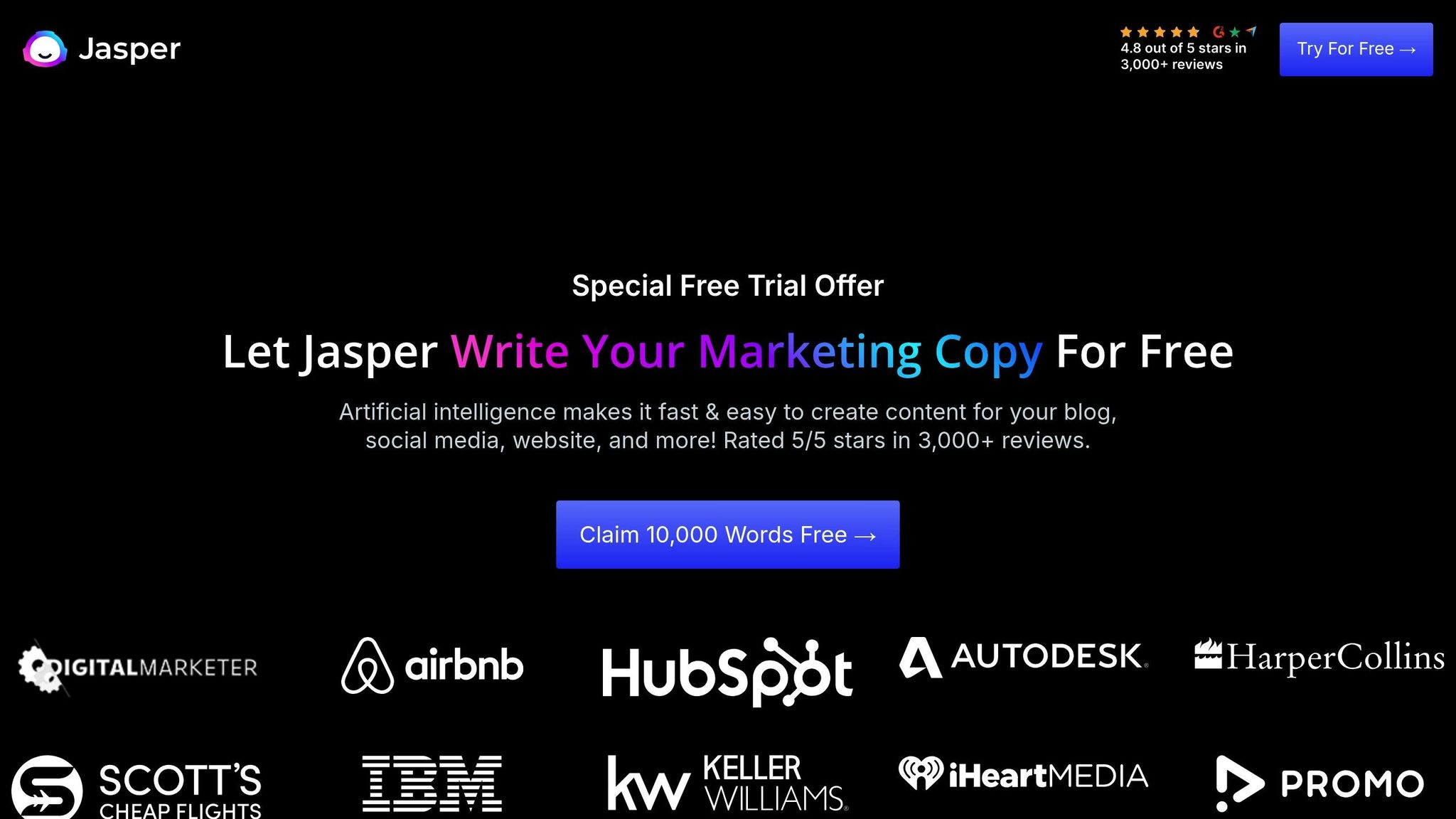
Jasper AI is a standout for crafting high-conversion copy. Whether you're working on blog posts, email campaigns, or social media captions, Jasper delivers text that drives action. Its extensive template library ensures your brand voice stays consistent across projects. However, Jasper doesn't include visual design tools, so you'll need to rely on other platforms to handle graphics and layouts.
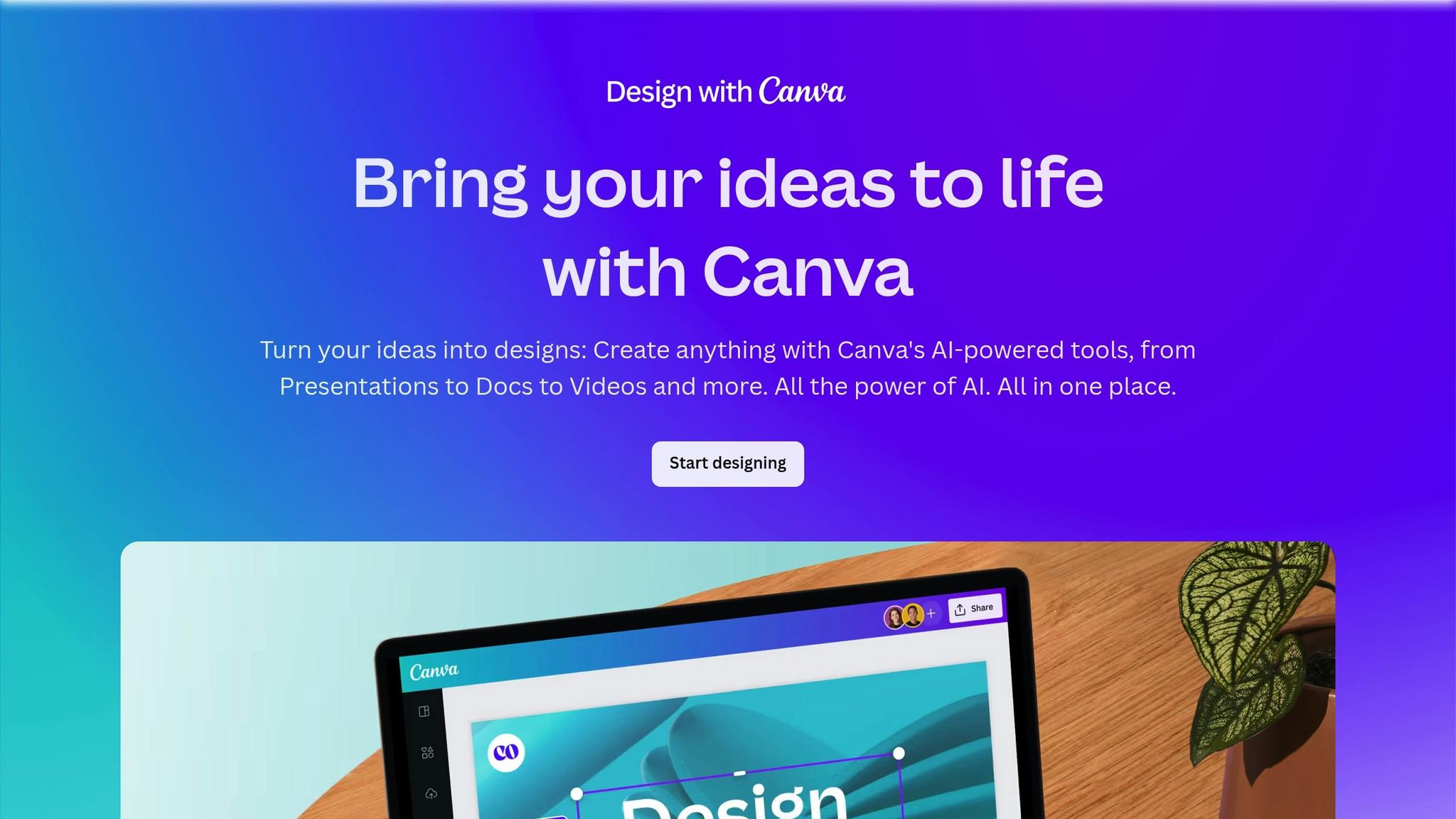
Canva's Magic Studio is a go-to for visual content, offering AI-powered tools for automated design and video editing. It's a user-friendly option for creating professional-looking graphics, even if you lack design experience. That said, Canva's AI writing capabilities are basic, and it doesn't support robust content repurposing. For a seamless content strategy, you'll likely need additional tools for writing and scheduling.
Descript takes a unique approach to media editing. Its Overdub feature can generate voiceovers that mimic your voice, and its transcription and text-based audio/video editing tools are highly intuitive. While it's a favorite among creators working with audio and video, Descript isn't a one-stop shop for social media content. It lacks visual design tools, content planning features, and cross-platform optimization, making it necessary to combine it with other tools.

OpusClip is perfect for repurposing long-form videos into short, engaging clips for platforms like TikTok, Instagram Reels, and YouTube Shorts. Its Smart Clipping feature automatically identifies the best moments and adds captions and transitions for polished results. However, OpusClip focuses solely on video editing, so it doesn't cover copywriting, graphic design, or content scheduling. You'll need to supplement it with other tools to round out your strategy.

Notion AI excels in planning and creating long-form content. It's a great tool for brainstorming, outlining, and drafting detailed strategies. However, it isn't tailored for social media content creation. It lacks visual design features, platform-specific optimizations, and scheduling tools. While it's excellent for collaboration and organization, you'll need other solutions for executing a full social media workflow.
These tools each bring something valuable to the table, but they also highlight the challenges of managing multiple subscriptions. While specialized features can be appealing, they often require a combination of platforms to achieve a fully integrated content creation strategy.
Picking the right AI tool for social media content creation can have a huge impact on your content strategy. With so many tools to choose from, it’s important to focus on the features that will actually improve your workflow and deliver results.
Brand voice accuracy should be your top priority. The tool needs to understand and maintain your unique tone, style, and messaging across all platforms. Generic or overly formulaic content stands out for the wrong reasons. The best tools adapt to your brand’s personality, ensuring every post - whether it’s a LinkedIn article or a TikTok caption - feels authentic and aligned with your identity.
Multi-format content output and repurposing workflows are essential in today’s diverse social media landscape. A solid AI tool should help you create a variety of content formats, from Instagram carousels to email newsletters, all from a single input. Even better, it should make repurposing content across platforms easy and efficient. This saves you hours of manual work while keeping your messaging consistent everywhere.
Ease of use and learning curve is another critical factor. Tools that are overly complicated or require too much training often get abandoned after the initial excitement fades. Look for user-friendly options with intuitive interfaces that let you hit the ground running.
Scheduling and workflow integration can simplify your entire process. The best tools don’t just generate content - they help you plan, approve, and publish it seamlessly across multiple platforms. This eliminates the hassle of copying and pasting between scheduling tools and keeps everything streamlined.
Price-to-value ratio is key, especially if you’re managing multiple subscriptions. Many creators end up paying for several specialized tools, which can add up quickly. Compare the cost of using multiple tools to an all-in-one solution that might cover all your needs without breaking the bank.
When evaluating tools, it’s helpful to look at examples. For instance, Jasper excels at creating copy but doesn’t offer visual design features. Canva is great for graphics but lacks advanced copywriting functionality. Descript is powerful for video editing but doesn’t integrate planning or optimization tools. A truly effective AI tool should combine features like these into one seamless workflow, saving you time and effort.
Lastly, content quality and originality should never take a backseat to speed. Your AI tool should create content that captures your audience’s attention and reflects your brand’s unique perspective. Avoid tools that churn out generic, template-based posts that get lost in the crowd. Customization options are a must to ensure your content stands out.
The best AI tools for social media content creation bring everything together - writing, design, scheduling, and analytics - into a single, cohesive platform. This allows you to focus on strategy and engagement while the tool handles the technical details behind the scenes.
Creators have varying needs, and the best AI tools cater to these preferences. Here’s a breakdown of the standout AI tools in 2026, tailored to specific categories.
For creators seeking an all-in-one platform, Content Maker Studio (CMS) is the top choice in 2026. This tool streamlines every aspect of content creation - brainstorming ideas, crafting captions, designing visuals, scheduling posts, and analyzing performance - all in one place. Its Brand Brain feature personalizes content by learning your unique tone and style, ensuring your posts stay true to your voice, whether they’re for Instagram, LinkedIn, or TikTok.
CMS also shines with its Repurpose Studio, which can take a single idea and turn it into a week’s worth of content, including carousel posts, video scripts, email newsletters, and social media captions. This level of efficiency and consistency is unmatched.
At $38.80 per month, CMS combines the functionality of multiple specialized tools into one, making it a practical and budget-friendly solution for serious creators. Now, let’s explore tools designed for specific needs like video content and visual design.
While CMS covers all bases, some creators prefer tools focused solely on video. OpusClip and Descript are the top contenders in this space.
Both tools excel in video functionality but lack features for copywriting, scheduling, or design. In contrast, CMS integrates these capabilities into one seamless workflow, offering a more comprehensive solution.
When it comes to visuals, Canva's Magic Studio continues to dominate. Its user-friendly platform and vast template library make it accessible for anyone, even those without design experience.
Canva’s AI tools, such as smart layout suggestions, color scheme recommendations, and the Magic Resize feature, help users create polished designs tailored to different platforms. Whether you’re designing for Instagram, Pinterest, or Facebook, Canva simplifies the process.
However, Canva’s strength lies solely in visual design. While it offers basic text generation, it doesn’t match the advanced writing or scheduling features of CMS. For creators who need an all-encompassing tool, CMS combines professional-grade visuals with top-tier copywriting and planning functionality.
For creators focused on detailed writing projects like blog posts, email campaigns, or in-depth social media strategies, Jasper and Notion AI lead the pack.
However, both tools fall short in areas like visual content creation and social media-specific features, such as hashtag research or scheduling. CMS bridges these gaps by offering advanced writing tools alongside design and platform optimization, making it a more versatile option.
For creators on a tight budget, CMS stands out as the most cost-effective choice. At $38.80 per month, it consolidates multiple tools into one subscription. Opting for the quarterly plan at $70.80 for three months reduces the cost even further, making professional-grade content creation accessible to everyone.
In 2026, the world of social media demands more than just creativity - it requires efficiency, consistency, and the ability to manage multiple platforms seamlessly. With the ever-growing expectations for content creation, AI tools have become essential for creators, small businesses, and marketing teams aiming to stay ahead without succumbing to burnout.
After a thorough review, Content Maker Studio (CMS) stands out as the top choice. Featuring 12 integrated AI assistants, CMS simplifies every stage of the content process - from brainstorming ideas to scheduling posts. What truly sets it apart is its ability to integrate brand-specific tools effortlessly, ensuring a smooth and cohesive experience.
One of CMS’s standout features is its ability to adapt and maintain your brand voice across different formats, whether it’s crafting Instagram carousels or scripting TikTok videos. And at $38.80 per month - or $70.80 for a quarterly plan - it offers a cost-effective, all-in-one solution that eliminates the hassle of juggling multiple tools while delivering content that feels authentically yours.
For creators looking to scale their efforts without compromising on quality or authenticity, Content Maker Studio is a game-changer. It’s more than just a tool - it’s a comprehensive platform designed to meet the demands of modern social media management.
Ready to revolutionize your workflow? Try CMS today for just $38.80 per month and see how 12 AI assistants can transform the way you create and manage content.
Content Maker Studio's Brand Brain takes the guesswork out of maintaining your brand's identity. This feature uses advanced AI to learn and reflect your unique tone, style, and visual elements - like your go-to language, favorite color palettes, fonts, and overall vibe. The result? Every piece of content, whether it's a quick caption or a full-length video, feels polished and aligned with your brand.
From Instagram to TikTok, YouTube to LinkedIn, Brand Brain ensures your branding stays consistent across all platforms. It creates a seamless experience for your audience, presenting a unified and professional image wherever they interact with your content.
Using a comprehensive tool like Content Maker Studio (CMS) streamlines content creation by bringing various functions together in one platform. This means you no longer need to switch between different tools, making the process faster and far less complicated.
CMS offers features like maintaining a consistent brand voice, effortlessly repurposing content across formats, and speeding up workflows - all without compromising quality. It’s built to boost productivity, keep your messaging uniform across channels, and provide great value for your investment.
Content Maker Studio's AI assistants function as an all-in-one content team, simplifying the process for small businesses and creators to plan, produce, and publish content with ease. Key features include Brand Brain, which remembers your brand's tone and style, and the Repurpose Studio, allowing you to transform one idea into various formats - think videos, carousels, captions, and even emails.
The platform also eliminates time-consuming tasks by automating repetitive work, ensuring consistent and polished content across platforms like Instagram, TikTok, and LinkedIn. By streamlining workflows, CMS lets users focus on strategy and creativity while delivering professional, branded content efficiently and without hassle.