Coaching programs thrive on engaging, high-quality content - but creating it can be time-consuming and overwhelming. AI tools are changing the game by automating content creation, repurposing, and promotion.
Here’s a quick overview of the top AI tools for 2026:
Each tool offers unique strengths, from text generation to video editing, but Content Maker Studio stands out as the most complete solution for solo coaches and small businesses. It streamlines workflows, reduces costs, and helps coaches focus on what matters most - coaching.
Quick Comparison:
| Tool | Best For | Key Features | Starting Price |
|---|---|---|---|
| Content Maker Studio | All-in-one content creation | Brand voice, video-to-course, SEO tools | $38.80/month |
| Jasper | Marketing copy | Brand voice memory, SEO integrations | $49/month |
| Canva Magic Studio | Visual content | AI design, Magic Switch, Brand Kit | $6.50/month |
| Descript | Video/audio editing | Transcript editing, voice cloning, AI clips | $16/month |
| Notion AI | Workflow management | Drafting, organizing, repurposing | Included in plans |
Looking to save time and grow your coaching business? These tools can help you create professional content without the stress.

AI Content Creation Tools for Coaches 2026: Feature and Price Comparison
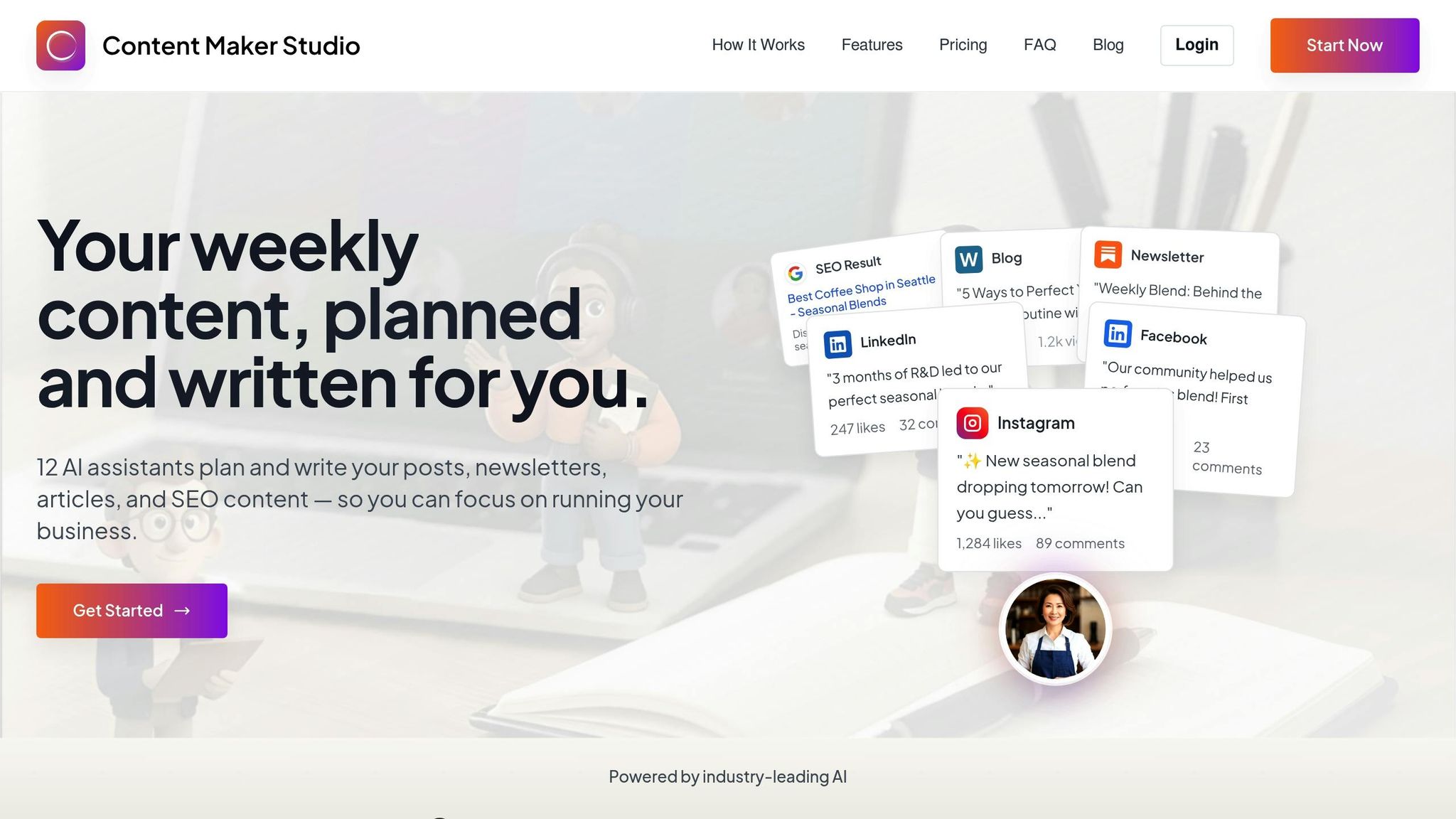
Content Maker Studio is a comprehensive AI-powered platform tailored specifically for coaching programs. With 12 integrated AI assistants, it helps coaches plan, create, repurpose, and publish content - all in one place. No more switching between multiple tools; this system simplifies the entire content creation process, especially for solo coaches managing client-facing materials.
One standout feature is the Brand Voice and Tone Consistency tool. Coaches can define writing preferences - like specific terms, reading levels, and program details - ensuring every piece of content, whether it’s a lesson, email, or social media post, reflects their professional style and expertise [2]. Once these parameters are set, the platform ensures all outputs align with the coach’s unique teaching approach.
Content Maker Studio covers a variety of coaching content needs, from structured lesson plans and email nurture sequences to authority-building social posts and launch materials. It even includes automated scheduling and SEO tools, helping coaches maintain visibility without getting bogged down in administrative tasks.
The platform doesn’t just create content - it transforms it. For instance, its video-to-course conversion feature can turn recorded webinars, PowerPoints, or PDFs into fully structured course materials in days rather than weeks [4]. A single coaching call or workshop can be repackaged into a lesson module, a series of social media posts, or email campaigns, all while keeping the coach’s brand intact. This feature allows coaches to get the most out of the content they’ve already created, saving time and effort.
Content Maker Studio also enhances promotional efforts and branding. The Brand Kit and Wizard automatically applies logos, colors, and fonts to all designs, ensuring a polished and cohesive look [2]. The platform supports posting across multiple channels, including LinkedIn, Instagram, and TikTok, making it easier for coaches to stay visible. On top of that, it handles compliance checks, provides audience insights, analyzes trends, and generates performance reports, offering valuable feedback on engagement - no advanced marketing skills required.
For just $38.80 per month, CMS provides unlimited access to its 12 AI assistants and seamless platform integrations. Discounted options are available at $70.80 for quarterly plans and $99.00 for semiannual plans. This affordable solution brings enterprise-level content creation tools to solo coaches and small businesses, allowing them to produce consistent, high-quality content without feeling overwhelmed.
Jasper is an AI-powered writing assistant tailored for marketing content. It leverages multiple large language models - including GPT-4.1, Claude 3.7, and Gemini - and automatically picks the best model for each specific task [5]. For coaches aiming to produce consistent, brand-aligned copy across various platforms, Jasper offers a streamlined solution focused on text generation.
Jasper's Brand Voice Memory scans a coach's existing content to develop personalized brand profiles. This ensures that every piece of AI-generated text reflects the same tone and personality [1][5]. This feature is especially helpful for coaches who want their emails, blogs, and social media posts to feel authentic and aligned with their personal style, even when created by AI.
The platform also includes templates designed for marketing, catering to common needs like blog posts, email subject lines, ad copy, and social media updates [1][3][6]. Coaches can input their topics and tweak the text in real time using an interactive sidebar editor [5]. Tools like built-in plagiarism detection, Grammarly, and Surfer SEO integrations ensure the content meets quality standards and is optimized for search engines [5][3]. These features directly support the content demands of modern coaching programs.
In addition to creating original content, Jasper helps repurpose key material for different campaign needs.
While Jasper shines in producing marketing copy, it also serves as a valuable multi-channel campaign assistant. Coaches can transform session notes into email sequences, social media posts, and ad variations that match their established tone [1]. However, Jasper's focus is primarily on written material. For video or audio content, users need to extract transcripts first and then input the text into Jasper to create promotional materials [1][7].
Jasper's campaign assistant ensures consistent messaging across all channels [1]. By emulating a coach's style based on existing content and integrating with Surfer SEO for real-time optimization, Jasper helps create promotions that feel genuine while staying search-friendly [3][8]. Its collaboration tools are designed to support teams working on large-scale launches, ensuring everyone stays aligned with the brand's messaging [5][3].
These features come at a price point that balances functionality with affordability.
Jasper's Creator Plan starts at $59 per month per seat when billed annually [5], with a base price of $49 per month [3]. New users can take advantage of a seven-day free trial [3]. This pricing makes Jasper an excellent choice for coaches who prioritize professional-quality marketing copy and are willing to invest in a specialized writing assistant.

Canva Magic Studio is an AI-driven design platform that helps create professional-quality promotional materials in no time. By transforming simple text prompts into editable layouts, social media posts, presentations, and worksheets, it’s a great tool for coaches who need visually appealing content for programs or course materials [2].
This platform offers a range of AI-powered design tools. With Magic Design, users can input prompts like "webinar promo slide for stress management program" to generate editable layouts instantly. Magic Media steps in when stock visuals aren’t enough, producing custom images and videos tailored to your needs. Canva also includes AI editing tools like Background Remover and Magic Eraser, making it easy to refine photos directly within the editor [2].
"Magic Studio offers smarter, faster ways to design for impact... a toolkit that simplifies workflows while amplifying creativity, accessibility, and strategic communication." - Patricia Regier, Founder, Regier Education Inc. [9]
Canva Magic Studio isn’t just about creating new designs - it’s also a powerful tool for reusing and adapting content.
The Magic Switch feature simplifies content repurposing by transforming a single design into multiple formats and sizes. For example, a webinar presentation can be turned into a LinkedIn post, an Instagram story, or a Facebook graphic. It even supports translation for a broader audience. While these AI-generated designs provide a solid starting point, more complex visuals may need some manual tweaking [2].
This flexibility helps streamline workflows while ensuring that all content aligns seamlessly with your brand.
Canva’s Brand Kit centralizes essential branding elements like logos, color schemes, and fonts. These assets are automatically applied to every AI-generated design, ensuring consistency across all promotional materials. Canva’s user-friendly approach has earned it a 4.7/5 rating on G2, based on over 5,800 reviews, with users praising how easily brand assets are integrated into various content types [2].
Canva offers options for every budget:
For coaches focused on creating visually engaging content and worksheets, Canva Magic Studio provides robust design tools at an affordable price. However, it does fall short when it comes to offering comprehensive writing or strategic planning features for broader program promotion [2].
Descript is an AI-driven video and audio editing platform tailored for coaches who produce webinars, podcasts, and recorded coaching sessions. What sets Descript apart is its unique approach: you can edit video by simply editing the transcript. Delete a sentence in the transcript, and the corresponding video footage is removed. This text-based editing makes the process feel as straightforward as using a word processor.
Descript comes packed with tools that simplify content creation for coaches. One standout is the Studio Sound feature, which eliminates background noise and enhances audio to professional broadcast standards. Another is Overdub, which creates a clone of your voice, letting you make text-based edits without needing to re-record. Automatic transcription and a Filler Word Removal tool - perfect for cutting out those "ums", "uhs", and awkward pauses - help ensure your content is polished and ready for your audience.
And it doesn’t stop there - Descript also shines when it comes to repurposing content.
For coaches who want to get the most out of their long-form recordings, Descript’s AI Clips feature is a game-changer. It identifies the most engaging moments and suggests short, shareable clips ideal for social media. The platform also supports translation, dubbing, and even adds dynamic captions automatically, making your videos accessible and effective for silent viewing.
Descript makes adapting your content for different platforms a breeze. You can resize videos into formats perfect for social media - whether it’s 1:1 for LinkedIn or 9:16 for Instagram Reels and TikTok. The platform also integrates AI to add B-roll footage from stock libraries that matches your script, ensuring your content looks polished and professional across all channels.
Descript has flexible pricing to suit various needs. It offers a Free Plan with basic features, while paid plans include the Hobbyist Plan at $16 per month, the Creator Plan at $24 per month, and the Business Plan at $40 per month per user. With a strong 4.6/5 rating on G2 based on over 750 reviews, users love its intuitive, text-based editing workflow. While Descript excels at turning recorded sessions into engaging media, it’s best suited for coaches focused on video and audio repurposing rather than those seeking a full-service solution for strategic planning or promotional content creation.
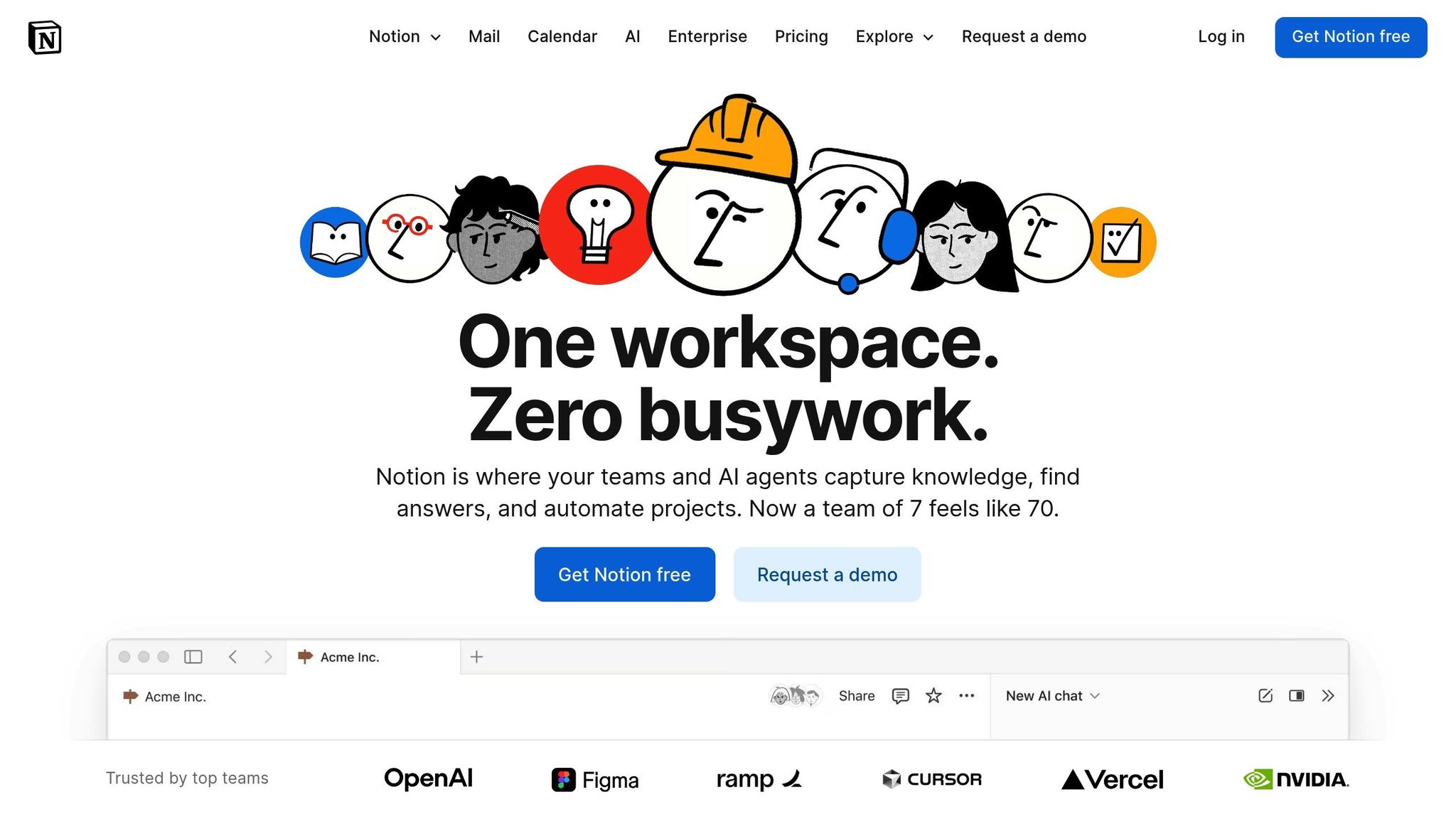
Notion AI is designed to simplify and streamline content workflows for coaching programs. Built directly into the Notion workspace, this AI-powered assistant helps coaches organize, draft, and manage their program materials. If you're already using Notion, this tool integrates seamlessly with your planning and documentation processes, making it a natural fit.
Notion AI works as your built-in assistant, offering tools to make content creation more efficient. Using its research mode, it can pull information from connected apps and Notion pages to generate detailed documents. It also enables the creation of flowcharts and diagrams to visualize coaching frameworks. Plus, it acts as a search engine for your workspace, helping you connect ideas and locate information quickly.
For coaches, this means turning scattered bullet points into polished lesson outlines, restructuring project plans, or drafting content from scratch based on initial thoughts. Deputy Editor Alex Heath described it as “the slickest, most practical implementation of generative AI for text I’ve used to date.” These features make Notion AI a powerful tool for transforming ideas into actionable content.
If you document client sessions and coaching work in Notion, the AI's repurposing tools can save you time. Its Autofill feature generates summaries or social media hooks for multiple coaching entries at once. The Meeting Notes function extracts key takeaways and action items from transcripts, giving you quick material to share for program promotion. Additionally, it can summarize long research documents, organize meeting notes, and repurpose internal documentation into polished content for landing pages or social media.
Notion AI is included with Notion's Business and Enterprise plans, with limited trial access available on other plans. It's especially useful for coaches who prioritize documentation as part of their workflow, rather than those looking for a full-scale content creation and marketing solution.
Each tool offers its own set of advantages for creating coaching program content. Content Maker Studio stands out as a comprehensive platform tailored specifically for program creators. It combines planning, content creation, repurposing, and promotion into one seamless system. From crafting lesson frameworks to managing launch sequences, it handles every step while ensuring a consistent brand voice across all channels.
Jasper, on the other hand, shines in generating marketing copy and long-form content with a strong focus on brand voice customization. However, it’s solely a writing tool, which means coaches still need separate platforms for tasks like design, video editing, and content planning. Canva Magic Studio is excellent for creating polished visual assets like worksheets and slides, but its AI writing features fall short when it comes to producing in-depth lesson content or detailed email sequences.
For video-focused coaches, Descript is a powerful option. It offers robust transcription and video editing tools, making it ideal for webinars and coaching calls. However, it doesn’t extend to content strategy, social media promotion, or written material creation. Notion AI serves coaches already using Notion for documentation, offering tools for research and organization. That said, it lacks the marketing and publishing features necessary for effectively promoting programs.
These tools highlight a clear divide in approach: a unified system versus a collection of specialized tools. Content Maker Studio simplifies workflows by integrating planning, design, and repurposing into one platform, eliminating the need for juggling multiple tools. In contrast, the other tools require additional steps to coordinate and integrate various processes. As the IMPACT Team aptly put it, "The goal is better content, produced faster, without sacrificing strategy or sounding like a robot. That's the bar in 2026" [1].
Selecting the right AI content creation tool can make or break the success of coaching programs in 2026. The quality of your content directly impacts how potential clients view your expertise, trust your approach, and ultimately decide to join your program. As the IMPACT Team aptly put it, "The world doesn't need 'more content.' The goal is better content, produced faster, without sacrificing strategy or sounding like a robot" [1]. And let’s face it - balancing teaching, coaching, and marketing is no small feat. That’s why finding a tool that not only creates but also repurposes and promotes content effortlessly is essential.
Content Maker Studio stands out as a complete solution tailored for coaching programs. For just $38.80 per month, it combines planning, writing, repurposing, design, and publishing into one seamless platform. This ensures a consistent brand voice without the need to juggle multiple tools. While other platforms like Jasper, Canva, and Descript excel in specific areas - writing, visuals, and video respectively - they often require additional tools to manage an end-to-end content workflow.
The real secret to success lies in choosing tools that enable structured and scalable content creation, not just faster output. A global survey of 1,000 organizations revealed that 74% failed to see meaningful results from AI due to insufficient investment in upskilling and workflow improvements [10]. The formula for success? Allocate 70% of your focus to people and processes, 20% to technology, and just 10% to algorithms [10].
For coaches aiming to produce better content, maintain visibility, and grow enrollments without hiring a full marketing team, Content Maker Studio is the ideal AI content creation tool in 2026. Designed specifically for program creators, it delivers consistency, authority, and efficiency - not just another writing assistant. By blending strategic planning with automation, it allows coaches to concentrate on what truly matters - coaching.
Content Maker Studio keeps your brand voice consistent with its Brand Brain and Brand Kit tools. These features let coaches set their specific tone, style, and messaging rules, ensuring that every piece of content reflects their unique identity.
With brand alignment handled automatically, CMS makes it easy for coaches to maintain a polished and unified message across lesson plans, social media posts, emails, and promotional materials - without spending extra time on manual tweaks.
Content Maker Studio provides a suite of tools designed to help coaches make the most of their program content. It takes lengthy materials - like coaching calls, webinars, or lessons - and turns them into smaller, more manageable pieces, such as social media posts, emails, or blog articles.
One standout feature is the Repurpose Studio, which streamlines the process of reusing content across different formats and platforms. It not only saves time and cuts down on manual work but also ensures your messaging stays consistent and aligned with your coaching objectives.
Content Maker Studio is built with coaches in mind, offering an all-in-one platform to simplify content creation, organization, and promotion. It brings together everything needed for planning, writing, repurposing, designing, and publishing - no more juggling between multiple tools or outsourcing tasks to freelancers.
The platform includes features like guided content planning, automated repurposing of coaching sessions, and tools to maintain a consistent brand voice. This allows coaches to concentrate on delivering impactful programs, while their marketing and content tasks are effortlessly managed in the background. It's a practical solution for growing coaching programs with ease and professionalism.