Automation is the key to faster, higher-quality content production in 2026. Small teams can save time and boost output by automating repetitive tasks like formatting, scheduling, and data entry. Tools powered by AI can increase productivity by 3–5×, cut production time by up to 80%, and deliver a 340% ROI in the first year.
Here’s a quick rundown of top tools to streamline your content workflows:
Quick Comparison
| Tool | Starting Price | Best For | Key Feature |
|---|---|---|---|
| Content Maker Studio | $38.80/month | All-in-one content creation | AI tools for planning, SEO, and analytics |
| Zapier | $19.99/month | Connecting tools easily | 8,000+ app integrations |
| Make | $9/month | Multi-step workflows | Visual workflow builder |
| n8n | Free/$24/month | Custom automation | Open-source, self-hosting support |
Start small by automating a single type of content, measure results, and expand gradually. These tools can help you focus on strategy and ideas while automation takes care of the repetitive tasks.
Automation tools have become game-changers for small teams looking to streamline their content production. Whether you're a solo creator or part of a larger editorial team, the right platform can take over repetitive tasks, giving you more time to focus on strategy and creativity. Here are some standout options that make content workflows smoother and more efficient.

Content Maker Studio is a powerhouse for content teams, offering 12 AI-driven tools that cover everything from planning and audience research to writing, design, SEO, and performance tracking. Its ability to adapt to your brand's voice ensures consistency across platforms like LinkedIn, Instagram, and TikTok. With multi-language support and built-in social media features, it’s a great fit for small businesses aiming to expand their reach without increasing overhead.
Plans start at $38.80 per month, with discounts available for quarterly ($70.80) and six-month ($99.00) subscriptions. All plans include unlimited access to its assistants and integrations.
Zapier is the glue that binds your content tools together, offering integrations with over 8,000 apps. Its no-code interface makes it easy to create automated workflows, or "Zaps", that trigger actions based on specific events. For instance, you can set up a Zap to update your content calendar whenever a new blog post is published.
Andrew Harding, VP of Marketing and Content Partnerships at Slate, shared how Zapier helped his team handle over 2,000 new leads monthly, saving more than 100 hours of manual work. As Harding put it:
"With Zapier, I don't have to choose between doing good work and doing a lot of it" [2].
Zapier plans start at $19.99 per month, with a free tier available for basic automations.
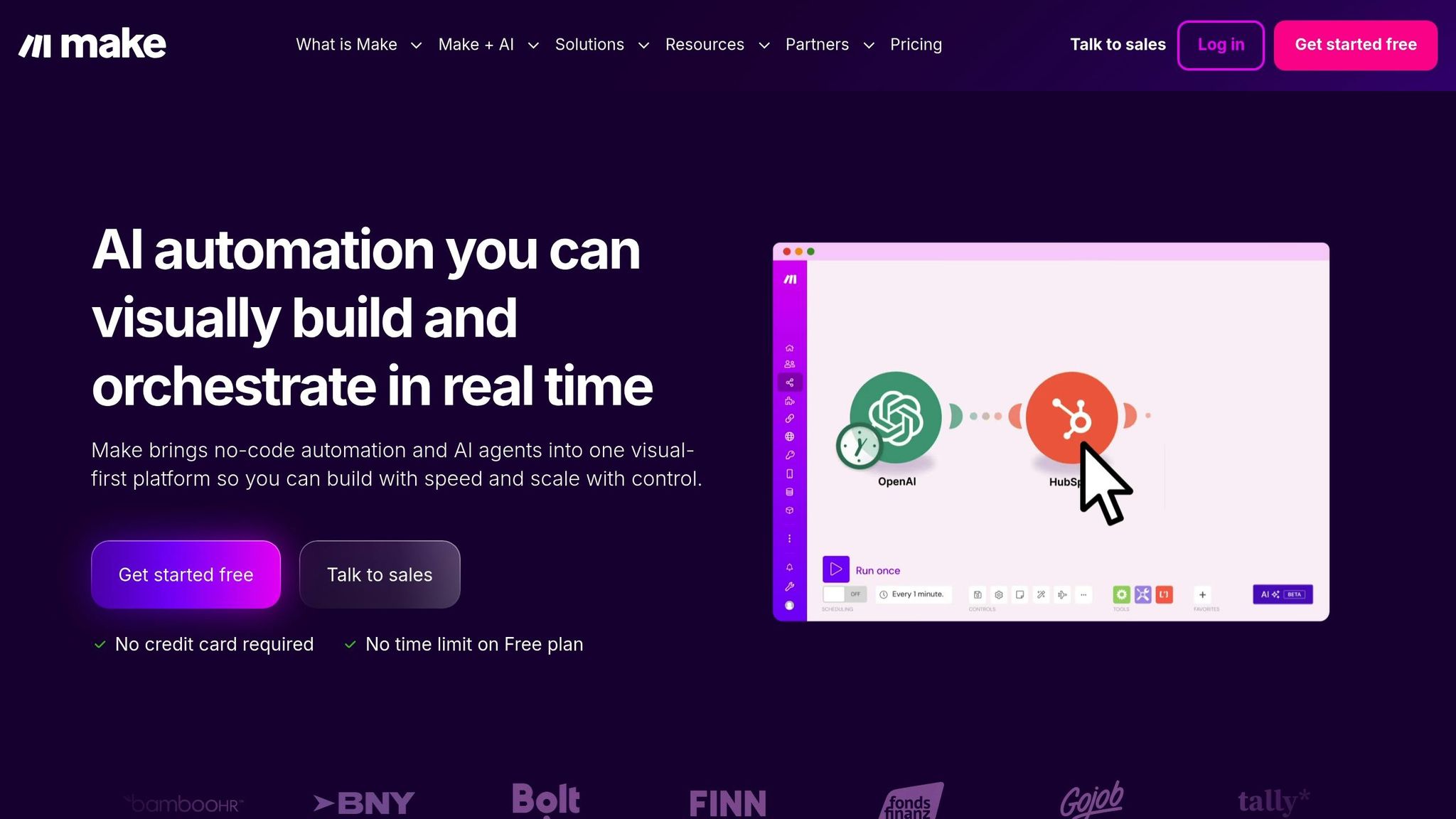
Make, formerly known as Integromat, is ideal for managing intricate, multi-step workflows. Its drag-and-drop interface allows you to map out conditional workflows with ease. Need a workflow that pulls content ideas from Google Sheets, notifies your team on Slack, waits for approvals, and then schedules posts on WordPress and social media? Make can handle it.
It also offers data transformation features, letting you reformat content automatically - like turning a blog post into social media snippets or an email newsletter. Pricing starts at $9 per month, and the free plan includes 1,000 operations, so you can experiment before committing [1][4].
For teams that need full control over their automations, n8n is a perfect fit. This platform allows self-hosting, giving you the ability to run workflows on your own servers - ideal for handling sensitive data or meeting strict compliance requirements. With support for JavaScript and Python scripting, n8n enables custom integrations and advanced logic that go beyond the limits of no-code tools. Plus, as an open-source platform, you can modify it to meet specific needs.
Cloud plans start at $24 per month, while the self-hosted version is completely free. It’s highly rated, holding a 4.8/5 score on G2 from over 131 user reviews [3].

Content Automation Tools Comparison 2026: Features, Pricing and Best Use Cases
Finding the right automation tool means balancing your team's technical expertise, budget, and workflow needs. Each platform has its own strengths, and understanding these differences helps you avoid overpaying for unnecessary features or missing out on essential ones.
| Tool | Starting Price | Integrations | Best For | Key Strength |
|---|---|---|---|---|
| Content Maker Studio | $38.80/month | Social platforms (LinkedIn, Instagram, TikTok) | Small businesses scaling content output | 12 AI assistants covering planning, writing, design, SEO, and analytics in one platform |
| Zapier | $19.99/month | 7,000+ apps | Lean teams connecting multiple tools | Easiest to use; no coding required [1] |
| Make | $9/month | 1,000+ apps | Complex multi-step workflows | Visual builder with branching logic and data transformation [1] |
| n8n | Free (self-hosted) | 400+ apps | Technical teams needing custom control | Open-source with JavaScript/Python scripting [1] |
The table gives a snapshot of each tool's features, but let’s dive deeper into what sets them apart.
Content Maker Studio is an all-in-one solution that combines planning, writing, design, SEO, and analytics under a single subscription. For teams looking to commit long-term, the quarterly plan ($70.80) and six-month plan ($99.00) provide cost-saving options.
Zapier stands out with its massive library of 7,000+ integrations, making it a great choice for teams managing multiple tools. While its starting price is slightly higher, its ease of use and no-code setup can save time and effort.
Make, priced at just $9/month, is perfect for experimenting with complex workflows before scaling up. Its visual builder and branching logic make it a top pick for tackling intricate processes.
For technical teams, n8n's free self-hosted option is a game-changer. It offers full control, making it ideal for handling sensitive data or meeting strict compliance requirements. Plus, its support for JavaScript and Python scripting provides unmatched flexibility for custom solutions.
Finding the right automation tool starts with understanding your team's workflow challenges. Begin by auditing your current processes to identify tasks that are time-consuming or prone to errors. Map out the triggers, steps, and desired outcomes for these tasks. This approach ensures you’re not automating flawed processes that might benefit from redesigning first. A clear understanding of your workflow sets the stage for selecting a tool that truly aligns with your needs.
Match the tool to your team’s technical expertise. If your team isn’t comfortable with coding, opt for no-code platforms. On the other hand, if you have advanced users, look for tools that offer scripting capabilities. The goal is to choose a platform that your team can adopt quickly and effectively. As Allisa Boulette, Content Marketer at Zapier, explains:
"Identifying the 'best' content marketing platform isn't as straightforward as comparing feature lists... the best platforms for you will be the ones that make your content easier to produce and better for your audience" [5].
Integration is another critical factor. The value of an automation tool lies in how well it connects with your existing tech stack - like your CMS, CRM, social platforms, and SEO tools. Think about whether you need straightforward linear workflows (e.g., publishing a post automatically triggers a social share) or more advanced setups with decision points (e.g., a draft goes through an SEO review and approval before publishing). Once you’ve assessed integration needs, start small by testing the tool on a limited scale.
To minimize risk, begin with a single content type - such as blog posts or social media updates - and run a test with 5–10 pieces. Measure how much time you save per piece and track the frequency of revisions. Many teams notice measurable improvements within 2–3 months. If the results are promising, expand gradually using a phased approach: Foundation (Weeks 1–2), Pilot (Weeks 3–4), and Scale (Weeks 5–8).
Finally, align your budget with AI-powered content services where automation delivers the most value. Entry-level tools typically cost between $100 and $300 per month, while mid-tier options range from $500 to $1,500 [1]. Take into account both your current needs and future growth. With effective automation, teams often achieve a 3–5× boost in content output [1], so it’s worth investing in platforms that can scale as your demands increase.
Automating your content workflows in 2026 isn’t just about working faster - it’s about freeing up your team’s creative energy for what truly matters. By letting AI handle repetitive tasks like research, drafting, and formatting, your team can focus on the big-picture work: refining your brand voice, shaping strategy, and coming up with ideas that only humans can bring to life.
Choosing the right automation tool comes down to understanding your unique workflow challenges, technical know-how, and how well the tool integrates with your existing systems. Whether you’re a small team aiming to publish more consistently or a large organization managing content across multiple channels and languages, start small. Focus on automating one content type, track the results, and expand from there.
Automation tools take the hassle out of content creation by managing repetitive tasks, saving time, and cutting down on manual work. With AI-powered workflows, teams can produce up to three to five times more content without compromising on quality, thanks to human oversight. By combining tools for writing, SEO, scheduling, and analytics, organizations can streamline processes, reduce errors, and focus their energy on creativity and strategy.
Take Content Maker Studio, for instance. It features 12 AI-powered assistants that simplify every step of the content creation process - from planning and writing to design, SEO optimization, and performance tracking. This means marketers can produce multilingual, ready-to-publish content quickly, maintain a consistent brand tone, and schedule posts effortlessly. Tasks that once dragged on for hours now take just minutes, leading to faster, data-driven publishing cycles and a noticeable boost in productivity.
When selecting a content automation tool, it's crucial to think about how well it works with your current systems. A good tool should integrate effortlessly with your CMS, social media platforms, and analytics tools, creating a unified and efficient workflow. Tools offering native or low-code integrations can make setup easier and reduce the need for custom coding.
Cost is another important factor to weigh against potential returns. Basic plans often start around $100 per month, while advanced options can range between $500 and $1,500 per month. Tools that save significant time on production and boost output can often justify their cost in just a few months. Focus on solutions that include template-based workflows to handle repetitive tasks like drafting content or publishing across multiple channels.
Lastly, examine the tool’s AI features and ease of use. The best options combine advanced functionalities - like content planning, SEO optimization, and performance tracking - with an intuitive interface. For instance, Content Maker Studio provides 12 AI-powered assistants to manage tasks such as writing, design, and trend analysis, making the content creation process smoother and more efficient. By prioritizing integration, affordability, and advanced AI capabilities, you can choose a tool that truly enhances your content workflow.
To streamline your content workflows in 2026, start by pinpointing a repetitive task that eats up a lot of your time - blog posts are often a good starting point. Break the entire process into clear steps, such as research, drafting, SEO, and publishing. Then, focus on automating tasks that follow predictable rules or rely on templates.
Leverage an AI-powered tool to handle tasks like drafting or optimizing for SEO. Combine this with an automation platform to tie everything together smoothly. For instance, you could create a workflow where a content brief triggers an AI-generated draft, runs it through SEO checks, sends it for approval, and schedules it for publishing - all without needing manual input.
Start small by testing automation on a single process to see how much time you save and to fine-tune the setup. Once you’ve ironed out the details, you can expand automation to other formats like social media posts or email newsletters. Basic setups typically cost between $100 and $300 per month, but businesses often recoup this investment quickly through saved time and fewer errors. With the right tools and approach, you can streamline your operations and scale your content output with ease.