AI tools for social media scheduling are transforming how businesses and creators manage content. These platforms save time by automating repetitive tasks like posting, generating captions, and analyzing performance. Below are seven top tools that help you plan, schedule, and analyze social media content across multiple platforms:
These tools help users save hours each week and improve engagement by leveraging AI for smarter scheduling and content creation.
| Tool | Starting Price | Key AI Features | Platforms Supported |
|---|---|---|---|
| Content Maker Studio | $19/month | AI for captions, hashtags, and analytics | Instagram, LinkedIn, TikTok, and more |
| Buffer | $5/month | AI Assistant for content and posting suggestions | Facebook, Instagram, Twitter, LinkedIn |
| Hootsuite | $99/month | OwlyGPT for captions and hashtags | Facebook, Instagram, TikTok, LinkedIn, etc. |
| Sprout Social | $199/month | ViralPost for timing, AI Assist for content | Facebook, Instagram, TikTok, YouTube, etc. |
| SocialBee | $29/month | AI for content recycling and strategy | Facebook, Instagram, LinkedIn, TikTok, etc. |
| CoSchedule | $19/month | AI drafting and campaign optimization | Facebook, Instagram, LinkedIn, Pinterest |
| Later | $37.50/month | AI Caption Writer and visual scheduling | Instagram, Facebook, TikTok, LinkedIn, etc. |
Each tool caters to different needs, from small businesses to large enterprises. Choose based on your budget, platform focus, and desired features.

AI Social Media Scheduling Tools Comparison: Features, Pricing & Platforms
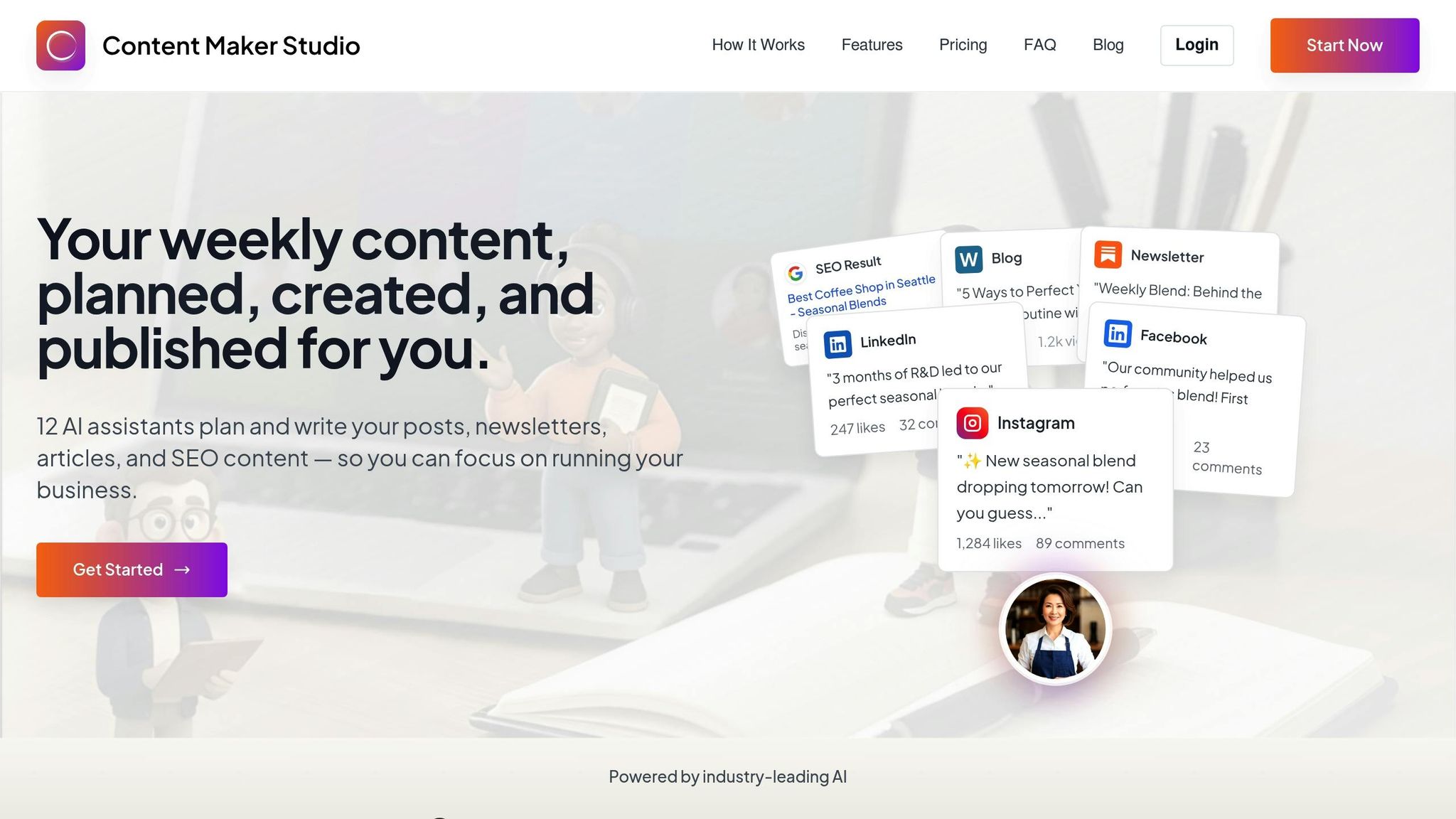
Content Maker Studio is an all-in-one platform powered by 12 AI tools designed to simplify content creation, planning, design, and performance tracking. It makes it easy to create, schedule, and publish posts on platforms like Facebook, Instagram, TikTok, LinkedIn, Pinterest, Tumblr, and WordPress [3]. Here’s a closer look at its standout features.
The platform’s Content Feed uses AI to monitor trending topics and top-performing content from across the web [3]. It also generates captions, listicles, and posts tailored to your needs while offering suggestions for improvement [10, 11]. You can even get hashtag recommendations, automatic emoji additions, and custom images created from text descriptions - all powered by AI [5].
With the Smart Scheduling feature, you can plan posts in bulk and set up automation recipes to recycle evergreen content at the best times. Its machine learning predictions give you insights into how your content might perform before it’s even published, allowing you to focus on crafting engaging posts [7, 11].
The platform’s centralized dashboard lets you manage posts across multiple networks seamlessly. It also includes platform-specific tools, such as Instagram carousels, Facebook group posts, Google My Business updates, and LinkedIn articles. Plus, the Social Box feature streamlines community engagement by consolidating all communications in one place [6].
Content Maker Studio goes beyond basic metrics by using machine learning to analyze likes, shares, and comments. It identifies effective hashtags and keywords to boost engagement and provides actionable recommendations for improvement. Pricing starts at $19/month for the Standard Plan, which includes 10,000 AI-generated words and 10 AI images. Agency plans go up to $99/month, with a 20% discount available for annual subscriptions [3].
Buffer combines scheduling and analytics for 11 social media platforms, including Facebook, Instagram, TikTok, LinkedIn, Threads, Bluesky, YouTube Shorts, Pinterest, Google Business Profile, Mastodon, and X (Twitter) [8]. Each month, over 190,000 creators, small businesses, and marketers rely on the platform to streamline their social media presence [7].
Buffer analyzes engagement data - like reach, engagement rates, and click-throughs - to identify the best times to post. This allows users to schedule content for maximum impact [9][2]. Senior Content Creator Tamilore Oladipo explains, "by aggregating engagement data from your accounts, Buffer offers valuable insights into the best posting times, engagement rates, and audience demographics, helping refine content strategies" [9]. These insights work seamlessly with Buffer's scheduling tools, making it easier to optimize your social media strategy.
Buffer's unified composer simplifies posting across multiple channels. With a single dashboard, you can select different platform avatars and schedule posts simultaneously [8]. The drag-and-drop calendar and queue system also make it easy to adjust or reschedule updates across platforms [2].
Buffer provides detailed analytics, tracking metrics like reach, engagement, and click-through rates. It highlights your top-performing posts from the past year, giving you a clear view of the content that resonates most with your audience [7]. You can even use the AI Assistant to rewrite or repurpose successful posts to maintain engagement [7].
Pricing is straightforward: the Free Plan costs $0/month (3 channels, 10 posts per channel). The Essentials Plan is $5/month per channel, and the Team Plan is $10/month per channel, both billed annually [3].
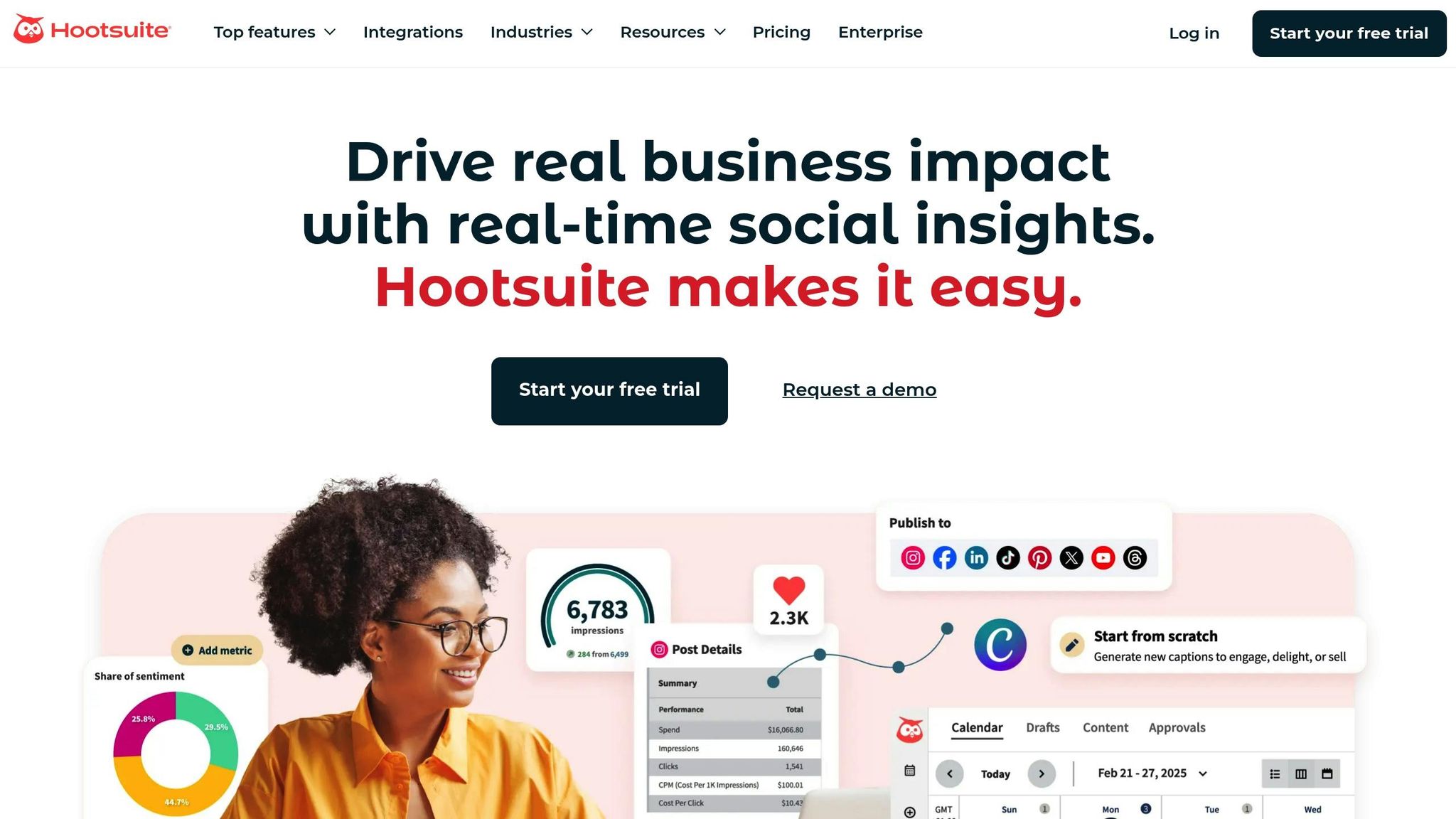
Hootsuite leverages OwlyGPT - an AI tool trained on real-time social conversations - to streamline scheduling across major platforms like Facebook, Instagram, X (formerly Twitter), LinkedIn, TikTok, Pinterest, and YouTube [10][12].
OwlyGPT taps into real-time social data through Talkwalker to identify trending topics, craft captions, generate video scripts, and repurpose high-performing posts. It also recommends hashtags tailored to your captions and images [10].
"OwlyGPT is proving indispensable for our social media strategy", says Nausheen Alam, Social Media and Campaign Coordinator at Operation Eyesight [10].
Hootsuite takes these insights further by helping users determine the best times to post.
The platform's "Best Time to Publish" feature provides heatmaps that highlight when your audience is most active. You can filter these insights based on specific goals, like boosting reach, increasing awareness, or driving engagement. For instance, a study of over 1 million posts in 2025 found Instagram engagement peaks between 3–9 PM on Mondays and 5–8 AM on Tuesdays [13].
"Hootsuite's AI suggests optimal posting times and themes, cutting scheduling time by 60%", reports Ashwin Thapliyal, Head of Marketing at Exemplifi [11].
Hootsuite doesn’t just stop at scheduling - it also tracks detailed performance metrics. This includes post-level analytics, sentiment analysis, and industry benchmarks, letting you see how your efforts stack up against competitors [16]. Plus, it integrates with GA4 and Adobe Analytics, linking your social media activity directly to web traffic [16]. Its social listening tools keep an eye on brand sentiment, saving users up to 40% of their research time each week [17].
With plans starting at $99/month and a 30-day free trial for new users, Hootsuite offers a powerful toolkit for refining social media strategies efficiently [14][15].
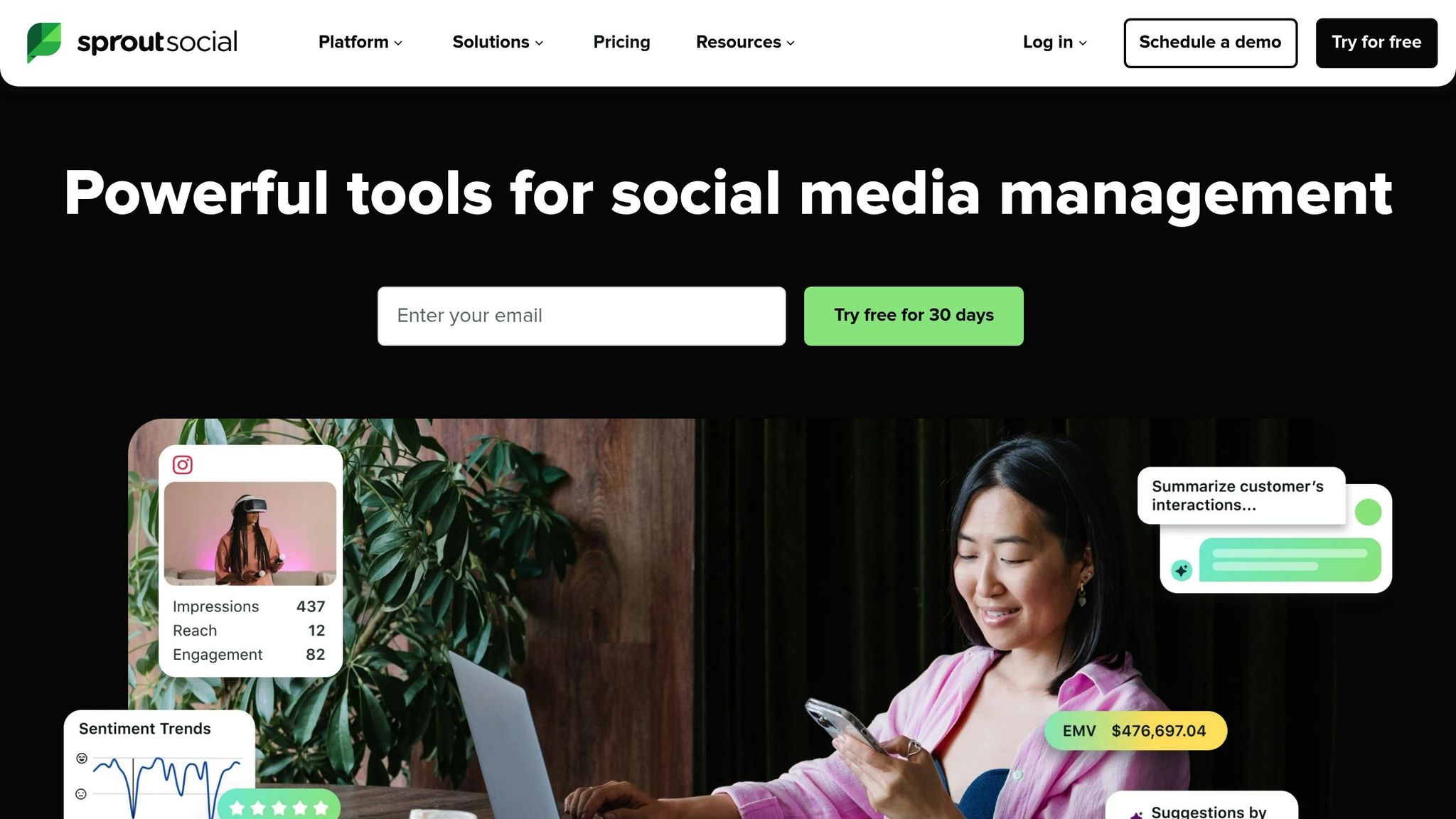
Sprout Social takes an AI-powered approach to social media management, processing a staggering 600 million messages daily to deliver smarter, data-backed scheduling solutions [4]. Its standout feature, ViralPost®, sifts through 16 weeks of data to identify the best times for user engagement [18].
Sprout Social’s "Suggestions by AI Assist" is designed to simplify content creation. It generates captions, image alt-text, and content ideas while staying true to your brand’s voice. Autumn Benitez, a Social Media Specialist at Sprout Social, shares how this feature optimizes her workflow:
"AI Assist helps me speed that process up with its suggestions, without sacrificing quality, keeping the content pipeline flowing, especially during peak campaign season." [20]
On the analysis side, "Analyze by AI Assist" eliminates the need for time-consuming manual work. Erica Bufford from Tesco highlights its impact:
"Analyze by AI Assist has been a game changer for how I approach content and campaign analysis... What could previously take me hours of manual effort - such as identifying trends, measuring performance, and generating insights - can now be done in minutes." [19]
Sprout Social’s ViralPost® algorithm takes audience behavior into account to suggest the best times to post for maximum visibility. By using these insights, brands can increase their reach by as much as 60% [18]. For example, the Atlanta Hawks leveraged these recommendations during All-Star Weekend, resulting in a 170.1% boost in their Facebook audience and a 127.1% increase in video views over three months [4].
Sprout Social’s platform simplifies managing content across multiple social channels. A centralized visual calendar enables users to plan and publish posts for Facebook, Instagram, TikTok, X, LinkedIn, Pinterest, and YouTube - all from one dashboard. It also integrates with popular tools like Canva, Dropbox, Google Drive, and Adobe Experience Manager [18]. To ensure quality control, message approval workflows help maintain brand consistency, while the Smart Inbox consolidates all messages and comments into a single, easy-to-manage stream [18].
Sprout Social’s analytics tools turn raw data into actionable insights. The platform tracks metrics like audience sentiment, competitive benchmarks, and conversion rates. Integrated URL tracking connects social media efforts directly to Google Analytics, providing a deeper understanding of performance [18]. According to a commissioned study by Forrester Consulting, Sprout Social delivered an impressive 268% ROI over three years [4].
For those interested in trying it out, Sprout Social offers a 30-day free trial. Pricing starts at $199 per seat per month (billed annually) for the Standard plan, which supports up to five social profiles [21].
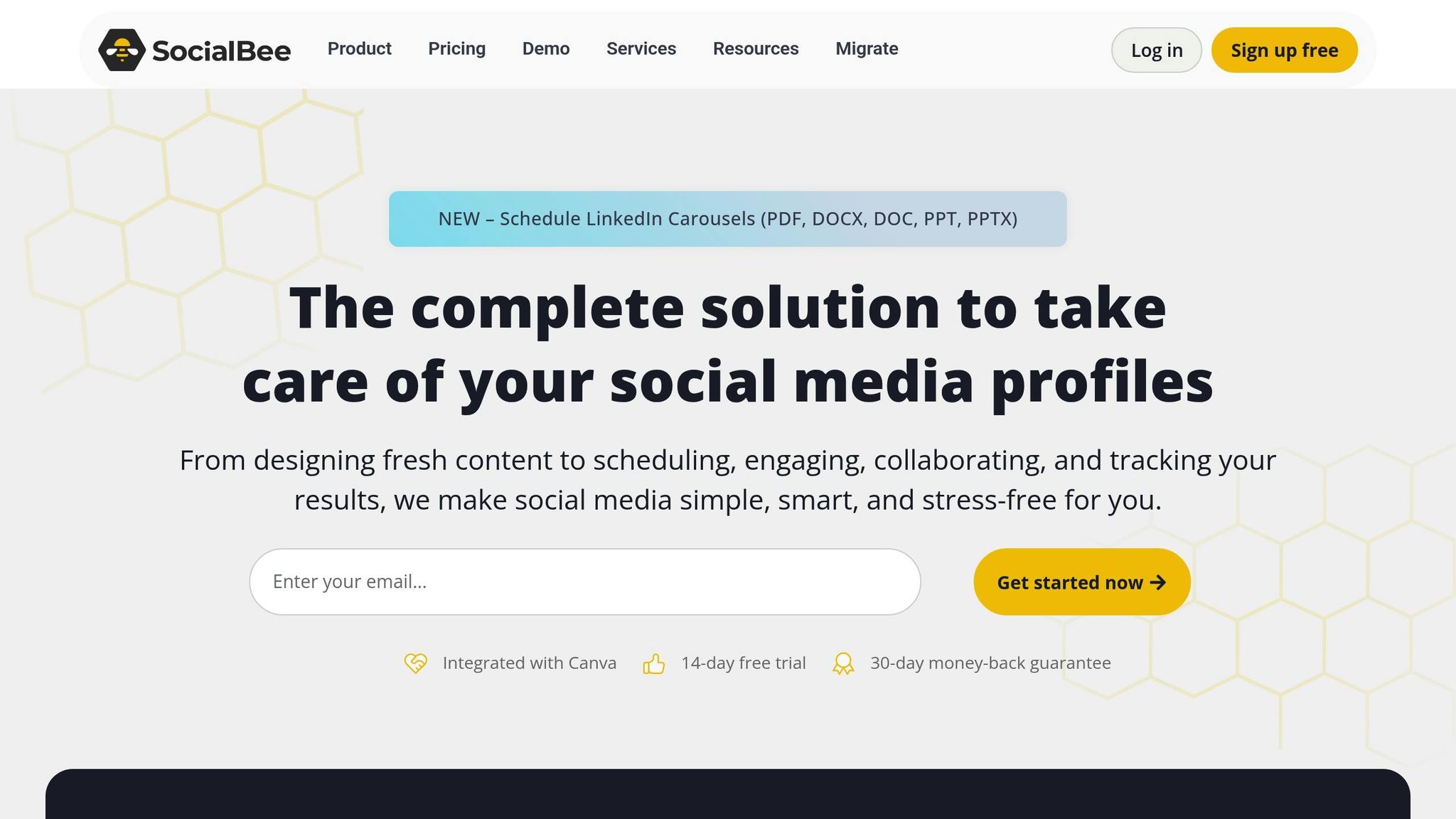
SocialBee offers a standout feature called "Copilot", which acts as a virtual social media manager. This tool analyzes your brand and audience to create a tailored strategy, including suggested topics, ideal posting frequency, and the most effective platforms to engage your audience[23].
"SocialBee's AI Copilot... allows you to create an entire social media strategy, complete with post ideas, in minutes."[14]
This focus on strategy and execution makes SocialBee a powerful tool for automating social media management.
SocialBee goes beyond simple scheduling. Its AI tools use over 1,000 prompts to generate captions, images, and hashtags. It even transforms long-form articles into multiple posts, saving users significant time. To keep content consistent and engaging, users can categorize AI-generated posts into groups like Educational, Promotional, or Curated. Additionally, the platform’s evergreen recycling system ensures top-performing posts are refreshed and re-queued automatically.
By analyzing past engagement data, SocialBee identifies the best times to post on various platforms. One case study highlighted a 146.57% increase in new page followers over three months, showcasing the effectiveness of its timing recommendations[22].
SocialBee supports direct publishing to more than 10 platforms, including Facebook, Instagram, X, LinkedIn, Pinterest, TikTok, YouTube, Threads, Bluesky, and Google Business Profile[23]. For platforms with API restrictions, the "Universal Posting" feature sends mobile reminders to ensure posts go live on time.
"I no longer have to worry about logging into a bunch of social media sites. Instead, I can schedule different post variations for each platform, and then not think about it again."[23]
SocialBee provides real-time metrics on engagement, reach, and follower growth across all connected accounts. Its user-friendly dashboard offers demographic insights and generates instant PDF reports. Many users have reported saving around $600 per month by managing their social media in-house with SocialBee instead of outsourcing[22]. Pricing starts at $29 per month for the Bootstrap plan, which supports up to five social profiles, and includes a 14-day free trial of the Pro plan, priced at $99 per month[23].

CoSchedule takes the guesswork out of scheduling with its AI-powered tools. The platform's Best Time Scheduler studies audience behavior, engagement trends, and platform-specific algorithms to pinpoint the ideal times to post[28][29]. All you need to do is pick a timeframe, and the AI ensures your content goes live at the most impactful moment, helping you reach more people[24].
CoSchedule’s AI assistant, Mia, is like having a creative partner. It crafts social media copy, generates fresh ideas, and even suggests images using over 1,600 marketer-tested prompts[27][30]. The AI Campaign Assistant takes things further by creating optimized campaign schedules based on engagement patterns and platform-specific best practices[24][26]. For evergreen content, the ReQueue automation tool steps in to automatically reshare your top-performing posts, keeping your audience engaged without extra effort[28].
Managing multiple social platforms is seamless with CoSchedule’s unified social calendar. Whether it’s Facebook, Instagram, LinkedIn, Pinterest, X (Twitter), or YouTube, you can create, schedule, and publish posts all in one place[27][29]. The Social Campaigns feature lets you group related messages across platforms for a set period, making it simple to promote blog posts, events, or landing pages[27][24]. For added efficiency, users can bulk schedule content using CSV uploads or reusable templates[27][24].
"Since we've implemented CoSchedule, our company's doubled in size. Without this tool, we'd be floundering. Instead, we're completing 75% more work with the same team." - McKenna Keller, Content Manager, Evernest[30]
CoSchedule doesn’t just help you post; it helps you improve. The Insights Assistant dives into your social metrics, delivering actionable recommendations so you don’t have to sift through data manually[24][27]. The platform offers three types of reports: Social Engagement Reports for a big-picture view, Social Campaign Reports for tracking specific initiatives, and Social Profile Reports to identify what works best on each platform. Whether you’re using CoSchedule’s free Marketing Calendar or one of their paid plans - like Social Calendar, Content Calendar, Agency Calendar, or Marketing Suite - there’s an option for everyone, from solo marketers to large teams[25][26].
Later stands out as a visually focused tool that simplifies social media scheduling with AI-driven features. It supports a wide range of platforms, including Instagram, Facebook, TikTok, LinkedIn, Pinterest, X (formerly Twitter), YouTube (including Shorts), Threads, and Snapchat. Using its drag-and-drop visual calendar, you can manage all your posts in one place. Plus, with the ability to schedule posts across multiple profiles at once, it’s a time-saver for busy marketers.
Later’s "Best Time to Post" feature takes the guesswork out of timing. By analyzing your account’s historical engagement data, it identifies when your audience is most active. The seven best times are highlighted with a "Best Time to Post" badge, currently available for Instagram and TikTok.
Stuck on what to write? The AI Caption Writer can help you craft engaging captions, while the Hashtag Suggestions tool recommends tags to boost your reach. Later’s EdgeAI also turns massive amounts of data into actionable influencer strategies and content forecasts, making the creative process smoother.
The visual calendar lets you drag and drop posts for quick scheduling across platforms. It also features a centralized Media Library that integrates seamlessly with tools like Canva, Dropbox, and Google Drive. These capabilities reflect the growing demand for more streamlined content management solutions.
"Later frees up time and resources. Our content creator produces more content, edits more videos, and discovers new user-generated content faster." – Shraddha Sekhon, Digital Marketing & Brand Director, Lucky Iron Fish
Later Analytics provides detailed metrics on engagement, audience growth, and campaign performance, covering key stats like reach, clicks, conversions, and sales. Results speak for themselves: campaigns managed through Later have seen a 97% reduction in cost per engagement and a 7.5× increase in engagement rates. For example, S'well achieved a 48% follower boost on Instagram [31][32].
Later offers a 14-day free trial, and its Growth Plan starts at $37.50/month (billed annually). This plan includes 2 social sets, 180 posts per profile, and AI features for Instagram and TikTok.
When it comes to picking the perfect AI scheduling tool, it all boils down to your unique needs, budget, and the platforms you prioritize. Below is a side-by-side comparison of seven popular options, showcasing the features that set them apart.
| Tool | Starting Price | Best For | Key AI Features | Platform Support | User Rating |
|---|---|---|---|---|---|
| Content Maker Studio | $38.80/month | Businesses focused on content creation | 12 AI assistants for planning, writing, design, SEO, and performance tracking | LinkedIn, Instagram, TikTok, and more | N/A |
| Buffer | $6/month per channel | Solopreneurs and small businesses | AI Assistant for brainstorming, rewriting, and repurposing content | Facebook, Instagram, LinkedIn, X, Threads, Bluesky | Praised for tackling writer's block |
| Hootsuite | $99/month | Large agencies and enterprises | OwlyWriter AI for captions, hashtags, visuals; engagement-based scheduling | Facebook, Instagram, X, LinkedIn, TikTok, YouTube, Pinterest | 4.2/5 on G2, 4.4/5 on Capterra |
| Sprout Social | $99/month | Enterprises needing advanced analytics | ViralPost algorithm for optimal send times; AI Assist for captions and customer care | Facebook, Instagram, X, LinkedIn, TikTok, YouTube, Pinterest, Google Business Profile | 4.3/5 on G2, 4.2/5 on Capterra |
| SocialBee | $29/month | Content recycling and automation | AI-generated post variations and evergreen content automation | Facebook, Instagram, LinkedIn, X, TikTok, Pinterest, Google Business Profile | N/A |
| CoSchedule | $19/month | Marketing teams | AI drafting for blog and social posts; keyword suggestions and tone adjustment | Facebook, Instagram, LinkedIn, X, Pinterest | N/A |
| Later | $37.50/month | Visual content creators and influencers | Visual planning and scheduling | Instagram, Facebook, TikTok, LinkedIn, Pinterest, X, YouTube, Threads, Snapchat | N/A |
This table highlights the variety of pricing models and feature sets, helping you narrow down the best option for your specific needs.
For instance, Buffer starts at just $6/month per channel, making it ideal for solopreneurs on a budget. On the other hand, enterprise-focused platforms like Hootsuite and Sprout Social charge $99/month but come packed with advanced tools like AI-powered scheduling and analytics. Sprout Social, for example, handles an impressive 600 million messages daily to fuel its AI insights [4]. Meanwhile, Content Maker Studio offers a robust suite of 12 AI assistants for $38.80/month, covering everything from content planning to SEO and performance analysis.
Whether you're a small business, influencer, or enterprise, there's a tool tailored to your workflow and goals.
AI-powered scheduling tools are changing the way businesses and creators handle their social media tasks. By automating repetitive processes, these tools free up valuable time that can be redirected toward strategic planning and creative efforts. In today’s fast-paced digital world, this kind of efficiency isn’t just helpful - it’s a necessity to meet customer expectations.
Each platform brings something different to the table, offering a range of features and pricing to suit various needs. Solo creators and small businesses often benefit from budget-friendly options, while larger enterprises juggling multiple brands may prioritize tools with advanced analytics and team collaboration features. As outlined earlier, the cost of each tool generally reflects its functionality and intended audience.
The best tool for you depends on your specific pain points. Struggling with content creation or timing? Look for a platform that excels in those areas. Need to boost engagement? A tool with predictive analytics might be the way to go. For brands that rely heavily on visuals, having built-in design tools can be a game-changer.
The numbers back this up: 38% of marketers cite improved efficiency as the biggest advantage of using AI for social media[1], and nearly 75% of consumers now expect responses within 24 hours[4]. Automation isn’t just about convenience anymore - it’s a critical part of staying competitive.
Take advantage of free trials to explore what works best for your workflow. The right AI scheduling tool should save you time, enhance engagement, and feel easy to use.
AI tools take the hassle out of social media scheduling by automating tasks like picking the best posting times, crafting captions, and managing content across various platforms. This means marketers can spend less time on repetitive chores and more time focusing on strategy and creativity.
Here’s how they help:
Content Maker Studio takes these benefits a step further. Its AI-powered tools let you plan, write, design, and analyze social media content all in one place. Plus, it integrates seamlessly with major platforms, making it a go-to solution for marketers looking to streamline their workflow.
When choosing a social media scheduling tool, prioritize features that make your workflow smoother and boost your efficiency. One must-have is cross-platform publishing, which allows you to handle posts for platforms like Facebook, Instagram, TikTok, and LinkedIn all from a single dashboard. Tools with AI-driven capabilities can be game-changers, helping you save time by recommending the best posting times, crafting captions, and even generating visuals. For managing larger campaigns, bulk scheduling and the option to upload posts via spreadsheets can make the process much more manageable.
It's also important to consider tools that offer analytics and performance tracking. These insights can help you monitor engagement, fine-tune your strategies, and gauge your return on investment. For teams, features like draft management and approval workflows ensure smoother collaboration and reduce the chance of mistakes. A scheduling tool with these functionalities can help you stay on top of your social media game while leaving more room for creative work.
AI tools are transforming how businesses engage on social media by diving deep into audience behavior, past content performance, and trending topics. This analysis helps create content that feels more relevant and appealing. These tools can recommend eye-catching captions, effective hashtags, and visual styles that align with audience preferences, while also pinpointing the best times to post for maximum visibility.
By taking over repetitive tasks like scheduling and fine-tuning content, AI tools free up marketers to focus on the bigger picture - strategy and creativity. For instance, platforms like Content Maker Studio go even further, offering AI-driven support for content planning, SEO optimization, and performance tracking. This allows businesses to craft posts that not only connect with their audience but also drive meaningful engagement.