Interactive quizzes can turn passive blog readers into active participants, driving engagement and boosting results. Studies show that quizzes generate 500% more leads than static content and can increase dwell time by 2–3×, improving SEO. With AI tools, creating quizzes from blogs is now faster and easier than ever - some tools can do it in under 60 seconds. Here's a quick look at five AI-powered solutions you can use today:
These tools help you convert blogs into quizzes, save time, and capture more leads. Choose one based on your needs, budget, and desired level of customization.
| Tool | Key Features | Integration Options | Free Plan? | Paid Plans Start At |
|---|---|---|---|---|
| Canva AI | Flexible design, real-time response edits | Links, email embeds | Yes | N/A |
| QuillBot AI | Text-based, multilingual support | Chrome extension | Yes | N/A |
| Fillout AI | Advanced styling, conditional logic | Custom domain, CRMs | Yes | $29/month |
| forms.app | 30+ question types, auto-grading | 500+ app integrations | Yes | $29/month |
| MagicForm | Google Forms add-on, multilingual | Google Workspace | Yes | $6.70/month |
These tools make it simple to enhance your content strategy with engaging quizzes. Pick one and start experimenting today!

AI Quiz Generator Tools Comparison: Features, Pricing, and Integration Options
Turn your blog into an engaging, interactive space with Canva's AI-powered quiz maker. This tool is seamlessly integrated into Canva, so if you're already a Canva user, there's no need for extra subscriptions or complicated setups - it’s ready to go within the platform you’re familiar with.
Canva offers plenty of flexibility when it comes to quiz design. You can pick from varied question types like Multiple Choice, True/False, and Fill-in-the-Blanks, with support for up to 10 answer options per question. Plus, you can tweak the look and feel of your quizzes to align perfectly with your brand. From colors and fonts to borders, spacing, icons, and photos, every detail is adjustable.
| Feature | Customization Options |
|---|---|
| Question Types | Multiple Choice, True/False, Fill-in-the-Blanks |
| Max Options | Up to 10 options per question |
| Visual Design | Colors, Fonts, Borders, Spacing, Icons, Photos |
| Logic | Editable correct answers and real-time response updates |
| Sharing | Link, Email embed, Presentation mode |
You can even edit correct answers and adjust responses on the fly. Once your quiz is ready, sharing is simple - use a link, embed it in an email, or present it directly.
While Canva's quiz generator is versatile, it does have some limitations. It doesn’t offer direct integration with popular CMS platforms like WordPress or Ghost. Instead, quizzes are shared through links or email embeds. Surprisingly, you can’t even embed these quizzes into Canva's own Docs or Websites tools yet, which might be inconvenient if you're using Canva for your entire content ecosystem.
For now, the best way to connect your quiz to a blog post is by manually linking to it, as embedding quizzes directly into articles isn’t supported. Keep this in mind when planning how to incorporate quizzes into your content strategy.
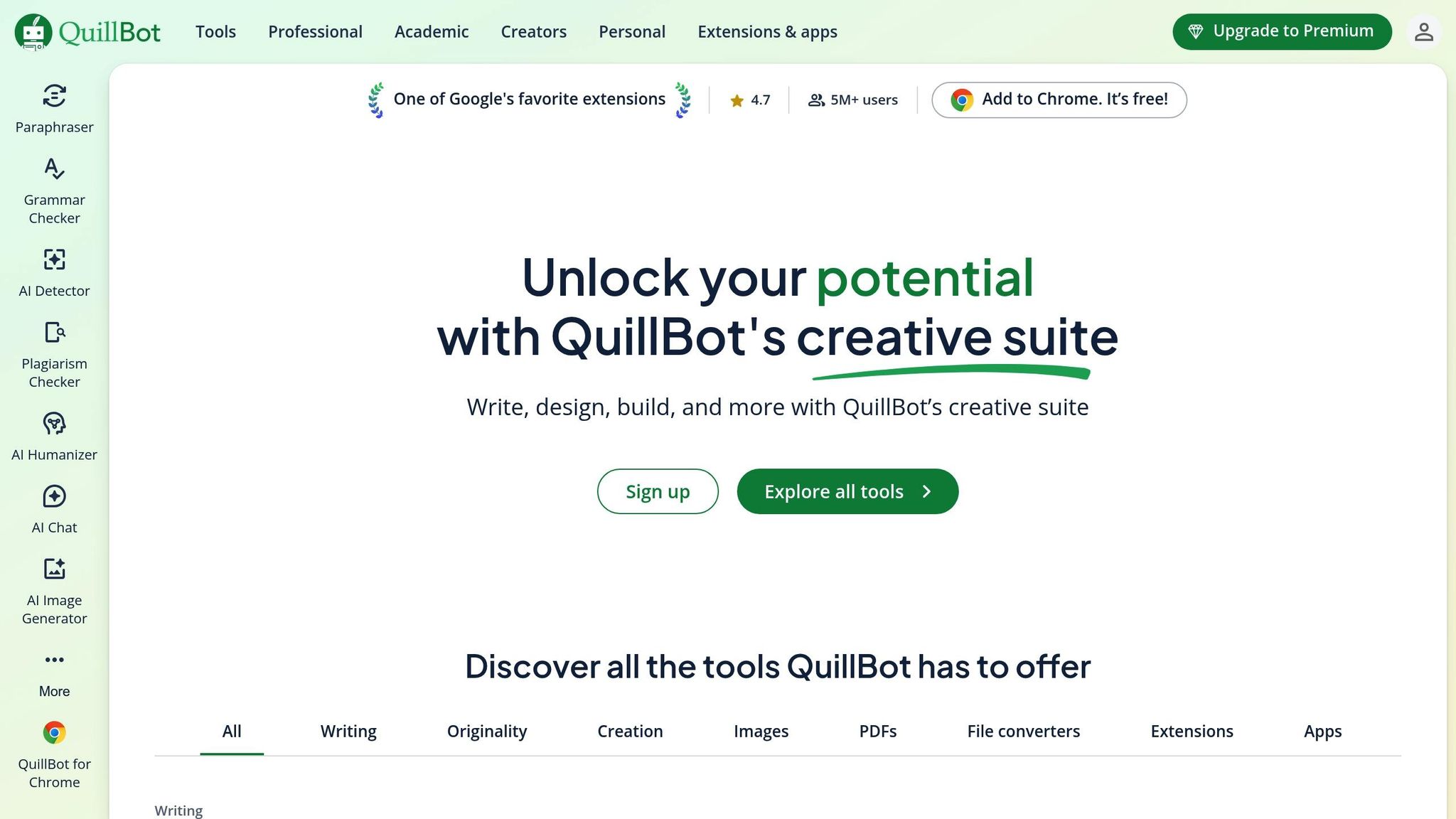
QuillBot's AI quiz generator offers a simple and efficient way to turn blog content into quizzes. If you're looking for a free, easy-to-use tool, this could be a great choice. With over 5 million users and a Trustpilot rating of 4.8/5 based on more than 8,550 reviews, it’s clear that QuillBot has built a solid reputation for reliability [6].
Converting your blog into a quiz is a breeze. All you need to do is paste your blog text or a summary, hit "generate", and the AI will craft a quiz in seconds. Questions come in various formats, including multiple-choice, true/false, short-answer, and fill-in-the-blank. Plus, a built-in chatbox allows you to tweak the language and adjust the difficulty level on the spot [6].
This quick and straightforward process gives you a solid base to further customize your quiz for your audience.
QuillBot lets you personalize your quizzes by adjusting the tone, length, format, and difficulty to suit your audience's needs. The tool also supports multiple languages, making it a great option for reaching diverse audiences. However, all customization is text-based rather than visual, so clarity in your prompts is key. For the best results, use detailed and specific instructions and take the time to review the output for accuracy [6].
Once your quiz is ready, integrating it into your blog is straightforward. While QuillBot doesn't offer direct CMS integration, its Chrome extension - rated 4.7/5 - makes the process smooth. You can access the quiz generator directly within your blogging platform, and a convenient copy icon lets you paste the formatted text into editors like WordPress or Ghost. This extension ensures you can quickly incorporate quizzes into any CMS [6].
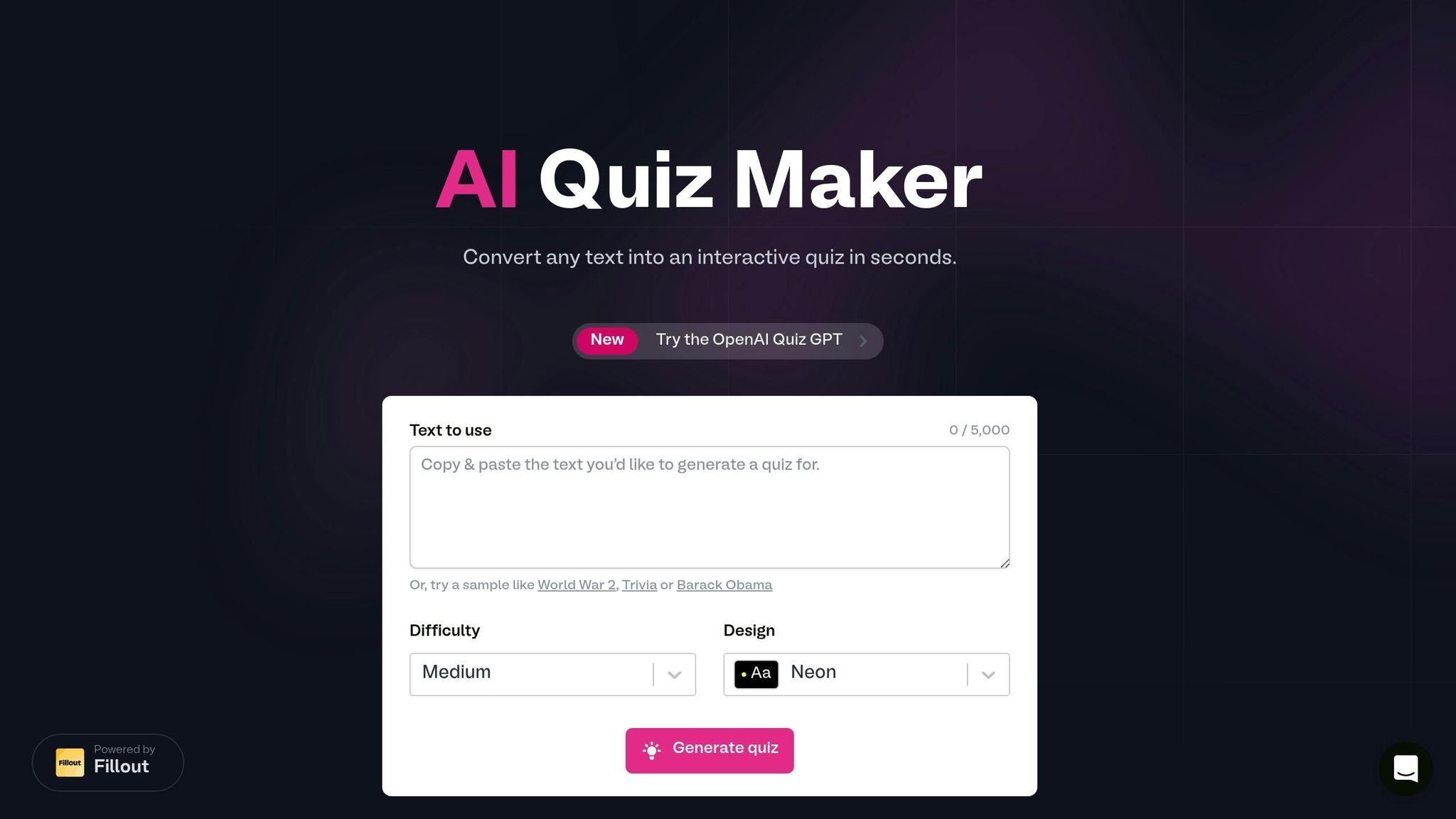
Fillout AI Quiz Maker is designed for speed and boosting lead generation. It can transform blog content into a quiz in just 60 seconds[7]. All you need to do is paste a section of your blog post, between 350 and 5,000 characters. If your content is longer, you can select the most relevant parts or upgrade to Fillout Pro to expand the input limit[7].
The process is quick and user-friendly. Choose the quiz difficulty level and pick a design theme like "Neon" or "Medium" to align with your blog's style[8]. Once the quiz is generated, the platform provides a public link that you can share instantly via social media or email[7][9]. Even with the free plan, you get unlimited forms and up to 1,000 submissions per month[7].
With the full editor, you can personalize your quiz to reflect your brand. Add your logo, customize fonts, and use the "Advanced Designer" for more detailed styling[9][10]. The platform also supports weighted scoring, enabling you to assign specific point values to questions, and it displays live scores with the "@Score" reference[10]. To make the experience more engaging, you can set up conditional logic to show personalized ending pages based on quiz results[9][10].
Embedding your quiz into a blog or website is straightforward. You can host it on a custom domain or add it directly to your site[9]. Fillout AI Quiz Maker also connects seamlessly with marketing tools, CRMs, and your content team, making data collection smooth and efficient[7].
Engaging your audience is where Fillout shines. Jasper F. from nocode.tech shared his success story:
"We've generated 7500+ leads for nocode.tech with the Fillout quiz platform. It's been a gamechanger for activating our audience and pointing them to the resources they need."[9]
This powerful tool not only helps you capture leads but also keeps your audience actively involved with your content.
forms.app stands out as a versatile tool for turning blogs into interactive quizzes, offering a simple yet powerful no-code solution. With ratings like 4.5/5 on G2, 4.6/5 on Capterra, and 4.7/5 on GetApp, it's clear that users value its ease of use and functionality[11]. The platform combines an intuitive design with robust features to deliver a seamless quiz creation experience.
With forms.app, you can transform your blog into a quiz in just a few steps. The Import from URLs feature allows you to automatically generate quiz questions from a blog link, saving time and effort. If you prefer more control, you can paste specific text to craft precise questions instead[11]. Whether you're after speed or accuracy, this dual approach has you covered.
forms.app provides over 30 question types, including multiple-choice, true/false, and picture-based options, ensuring your quiz fits your content style[11]. You can also tweak themes, colors, and fonts to match your blog's look[11][12]. The Calculator tool is another standout feature, enabling you to assign point values and display messages based on quiz scores. George B., a user, highlighted its time-saving benefits:
"I love that when I create a quiz or test, I can have the Forms app automatically grade the assignment. Saves so much time."[11]
Embedding your quiz is easy with six different methods: Standard, Full-page, Chatbox, Side tab, Pop-up, and Slide[14]. forms.app also supports over 500 integrations with popular apps like Slack, Google Sheets, and Zapier, making it simple to automate workflows and sync quiz data with your marketing tools or CRM systems[11][13].
Interactive quizzes created with forms.app can significantly boost engagement. On average, visitors spend 13 minutes on interactive content compared to just 8.5 minutes on static posts[12]. You can further enhance interactivity with timers, multiple ending pages, and personalized messages based on quiz results[11]. These features not only keep your audience engaged but also improve SEO by increasing time-on-page and reducing bounce rates[12][13].
forms.app offers a free plan that includes 5 forms and 100 responses per month, while paid plans start at $29/month for the Basic tier[11][13].
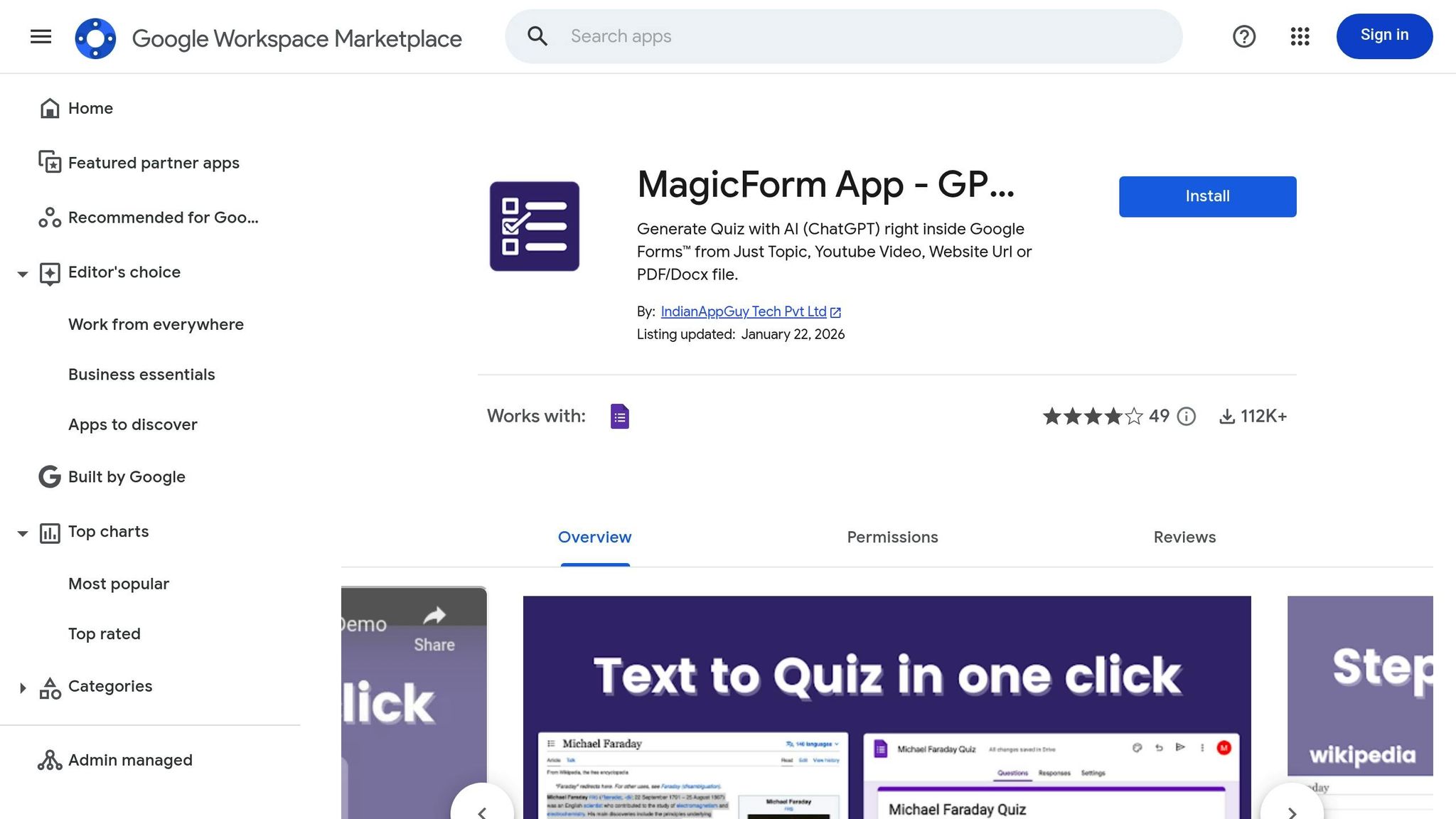
MagicForm makes turning blogs into interactive quizzes a breeze. With over 58,000 installs on the Google Workspace Marketplace and a solid 4.4/5-star rating from 18 reviews, it’s clear this tool has caught users' attention [19]. Operating as a Google Forms add-on, MagicForm lets you create quizzes directly within the Google Workspace ecosystem, making distribution and response tracking incredibly simple [18]. It’s a quick, AI-powered solution for quiz creation, designed for efficiency.
The highlight of MagicForm is its one-click conversion process. Just paste your blog URL into the tool, and the AI instantly analyzes the content to generate relevant questions in seconds [15]. With its Chrome Extension, you can even create quizzes directly from any blog post without the hassle of copying and pasting [17]. The AI ensures that key details from the content are captured during question generation [15]. Plus, MagicForm supports over 100 languages and allows up to 50,000 characters on Premium plans, making it perfect for longer articles [16].
MagicForm gives you plenty of ways to tailor your quizzes. You can set up to 50 questions, adjust difficulty levels, and pick question types before generating the quiz [17]. For those on the Premium plan, which costs $23.30/month when billed annually, there’s an option to add custom branding, so your quiz design aligns seamlessly with your blog’s look [16]. Once the quiz is generated, the "Make It Your Own" feature lets you tweak the wording to better reflect your brand’s voice [15].
Sharing and managing quizzes is straightforward with MagicForm. While it doesn’t have direct plugins for platforms like WordPress, the Chrome Extension works effortlessly on any live blog page. After creating a quiz, you can download, share, or export it in your preferred format [17]. Its integration with Google Forms ensures easy response management, and a dedicated API for more advanced integrations is listed as "coming soon" for Premium users [16]. For those just starting, the free plan allows up to 30 questions per month (with a limit of 7 questions per quiz), while paid plans begin at $6.70/month under the Essential tier [16].
Transforming your blog posts into interactive quizzes is a smart way to increase engagement and capture leads. Interactive content, like quizzes, generates 2.4x more engagement than static posts, with conversion rates reaching up to 58% - far surpassing the typical 20-25% rates of standard lead magnets [1][20][4].
When people take quizzes, they’re actively engaging with your content, which helps them retain information better, keeps them on your site longer, and signals to search engines that your page offers value [3][20]. This combination not only enhances the user experience but also delivers measurable results for your business.
As highlighted earlier, many businesses have seen real success with quiz-based strategies - collecting thousands of leads and driving revenue through well-optimized quiz funnels [4]. Plus, the insights gained from quiz responses can reveal what your audience cares about most, helping you shape future content to meet their interests [1][5].
The best part? You don’t need advanced technical skills or hours of setup. AI-powered tools make it easy to turn your existing blog posts into quizzes in no time [2]. This allows you to focus on what you do best: creating content that resonates with your audience.
Take the first step today. Choose a tool that fits your budget and workflow, and start transforming your top-performing blog posts into quizzes. Experiment with different question types, add social sharing options to your results, and monitor your completion rates. With the right tools, you can turn your content strategy into a lead-generation powerhouse.
To add a quiz to your blog post, start by using an interactive content platform that offers embedding features. Once you've designed your quiz, the platform will usually provide an embed code - often in the form of an iframe or JavaScript snippet. Simply copy this code and paste it into your blog's HTML or content editor at the desired location. This ensures your readers can enjoy a smooth and engaging interactive experience directly within your post.
Interactive quizzes that use engaging formats, like multiple-choice and open-ended questions, tend to see higher completion rates and attract more leads. These formats make the experience more enjoyable and relatable, encouraging users to participate.
When using AI to generate quiz questions, it's essential to review and refine them carefully. While many AI tools can produce questions and even analyze content to create relevant ones, they aren't always perfect. To ensure accuracy, take the time to verify both the questions and answers. Most tools allow you to edit them, so you can align everything with your content and maintain a high standard of quality. A thorough manual review is key to avoiding errors and ensuring the questions are factually correct.